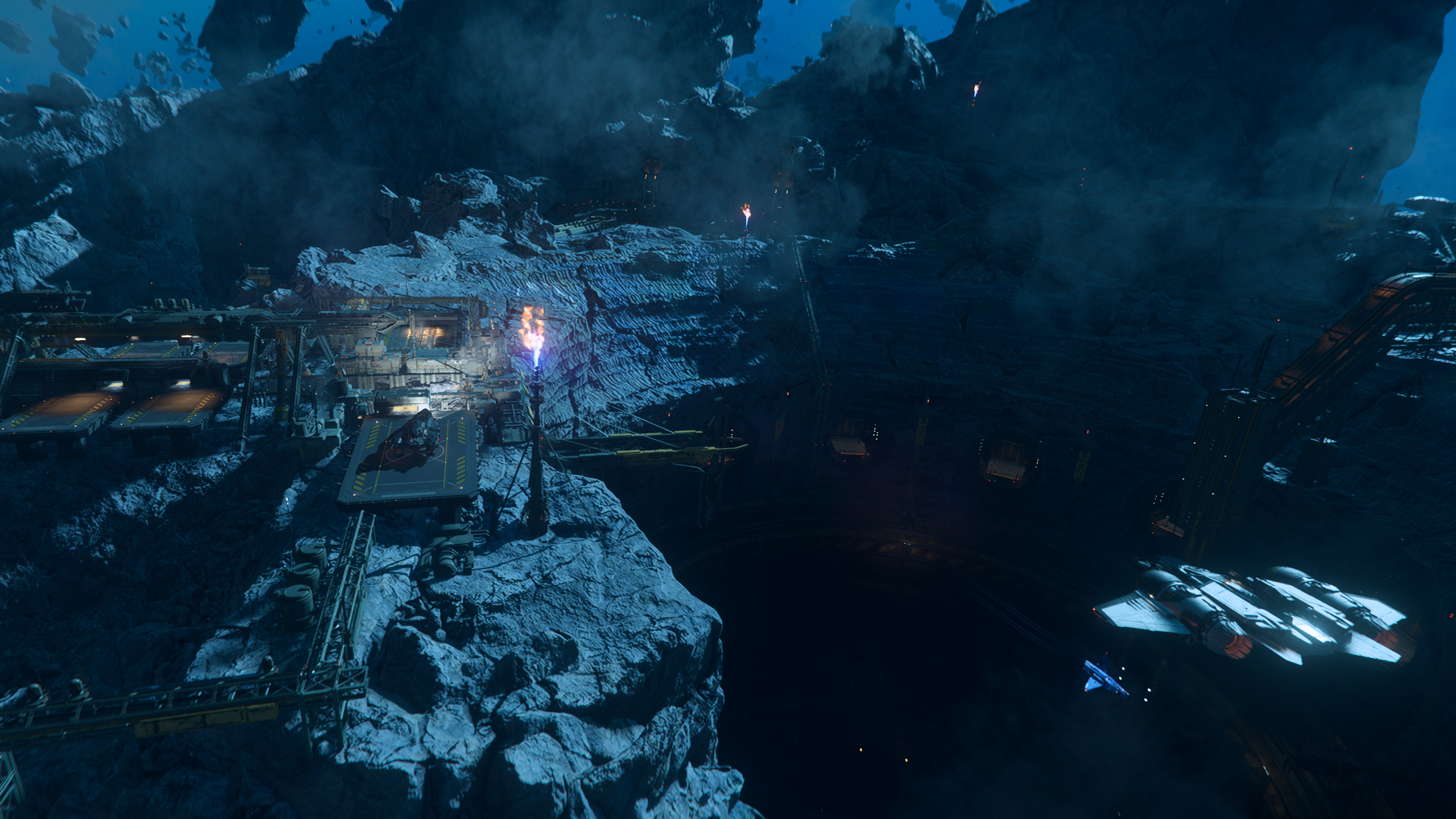
There has never been a better time to jump into Star Citizen. The long-belabored alpha is finally starting to come together as a game. There is classic space sim action: piloting spaceships, dogfighting in asteroid belts, manning turrets. If flying spaceships isn’t your speed, you can also engage in FPS shooter-style combat at various points of interest. There’s also more laid-back gameplay for the Space Trucker: hauling, mining, and salvaging. And all of it happens in an immersive and seamless universe where you can fly right down to a specific spot on a planet, walk out of your ship, and tractor some cargo into your hold. It still has plenty of rough edges, but when it all comes together, it’s an unbeatable space sim experience.
Alpha 4.5 adds Engineering and ship armor, highly anticipated (and delayed) features that start to make the spaceship experience feel even more engaging. Now you can run around repairing your ship’s damaged components, fires can break out on board, and doors and other systems can be monitored, locked, and controlled.
Cloud Imperium Games (CIG) has also recently re-organized the available game packages and given them descriptive names that suggest what the ship is suited to. In theory, this makes choosing a starter ship easier. In practice, some of their chosen monikers feel a bit more like marketing than actual useful signposting. It’s still a solid step up from just presenting new players with a largely meaningless list of ship names, but some new players might like a little guidance. We hope we can give you that here.
Paying to Win the Unwinnable
Star Citizen has received a lot of criticism over the years. A lot of that criticism is valid, even if it sometimes veers into “beating a dead horse” territory. One of the most common criticisms is that the game is pay-to-win; you can spend enormous amounts of real money to get massive “endgame” ships right off the bat.
We’ve criticized CIG’s business model in the past. Way back in their Kickstarter they claimed they would never have a monthly subscription for game access, and this has led to some perverse funding practices. We would honestly prefer paying a monthly sub over having $1500 FOMO Edition Capital Ship Sales.
That said, Star Citizen is (especially now, during the eternal alpha period) a sandbox game without a clear end goal. There isn’t really a way to “win” at Star Citizen, and larger ships aren’t useful in all scenarios and can’t be effectively operated without a crew.
On the flip side of that argument, though, having something to grind towards is one of the only tangible goals in the game right now. We don’t really recommend approaching Star Citizen as a goal-oriented game, but buying fancier ships is one of the game’s few progression mechanics, so for goal-oriented players, buying all of your “endgame” ships with real money only hurts yourself, as it leaves you nothing to play towards.
So our advice is this: buy a starter package, and don’t worry about CIG’s strange business model. There’s a ton of fun to be had in Star Citizen at relatively “normal” video game prices.
Choosing Your Starter Ship
At its best, Star Citizen is about atmosphere, setting, and immersion. In the short term, it doesn’t really reward a goal-oriented approach. You’ll have a lot more fun if you find a few gameplay loops you enjoy, and then sink into the space pilot fantasy of it all. And different ships are geared toward both different types of gameplay and overall tone. Do you want to be a space bounty hunter, going after dangerous criminals? Do you want to be a space trucker, trying to dodge pirates and make a fortune hauling goods? Do you want to hop from station to station, or sleep in a bunk on your ship, camping out on a different planet every night? Each ship gives you different stories to tell, and choosing a starter is as much about choosing what kind of narrative you want to create as it is about numbers and stats.
That said, it is still a game, and the details often matter. Ships have different levels of capability and polish, and what matters a lot to one player might be an irrelevant detail for another.
So, which starter package is going to be the most fun for you? At time of writing, there are 12 Game Packages available. We can eliminate the “Ultimate Explorer Pack” right out of the gate; at $1150, it is the wrong choice for almost everyone.
For the more realistic options, we have a range of prices from $45 - $125; basically, a range that runs the gamut of AAA game prices, from the lower end up to a “Collectors Edition” price point.
On the surface, the decision should be easy: find the pack that sounds the most interesting to you (within your budget) and pick that one. In practice, though, CIG’s naming choices here are often marketing fluff, so we’re going to look at each ship in detail.
First, though, let’s look at the general criteria that differentiate ships in Star Citizen.
Combat: Weapons, Shields, Armor, Maneuverability
Space combat is one of the core pillars of Star Citizen’s gameplay. A ship’s armament is typically listed as the number and size of gun hardpoints and missile racks. In most ships, these can be swapped out for any other weapon of the same type and size; so if you want a large number of small missiles, you can get an appropriate missile rack to fit your playstyle. Likewise, you can choose between energy and ballistic guns, and several different varieties of each. In this guide we will be focusing on the weapon hardpoints as opposed to the ships’ default loadout.
A ship’s shield is an energy barrier that prevents some damage from reaching the ship. This is the ship’s first line of defense. When shield strength reaches zero the shield “collapses” and takes some time to regenerate.
Armor is physical plating on the ship’s hull that prevents attacks from penetrating into the ship and damaging the hull’s structure and the ship’s components; the more armor your ship has left, the less damage distance attacks will travel into the ship’s interior. (This also means that ships whose components are more deeply embedded in the ship will generally have fewer issues with component damage)
The game itself doesn’t give you any sort of numerical stats for shields and armor, and at the time of writing there’s no good source for armor values at all. In this guide we’ll discuss armor and shield values in relative terms.
Maneuverability will also be described in subjective terms; precise roll, pitch, and yaw rates are more advanced than is useful for most beginners. Most of the starters are fairly comparable in terms of maneuverability, with the combat-focused ships generally being better.
If you’re really invested in combat, check out the ship stats on Erkul for tons of detail about each ship.
Cockpit Layout and Multi-Function Displays
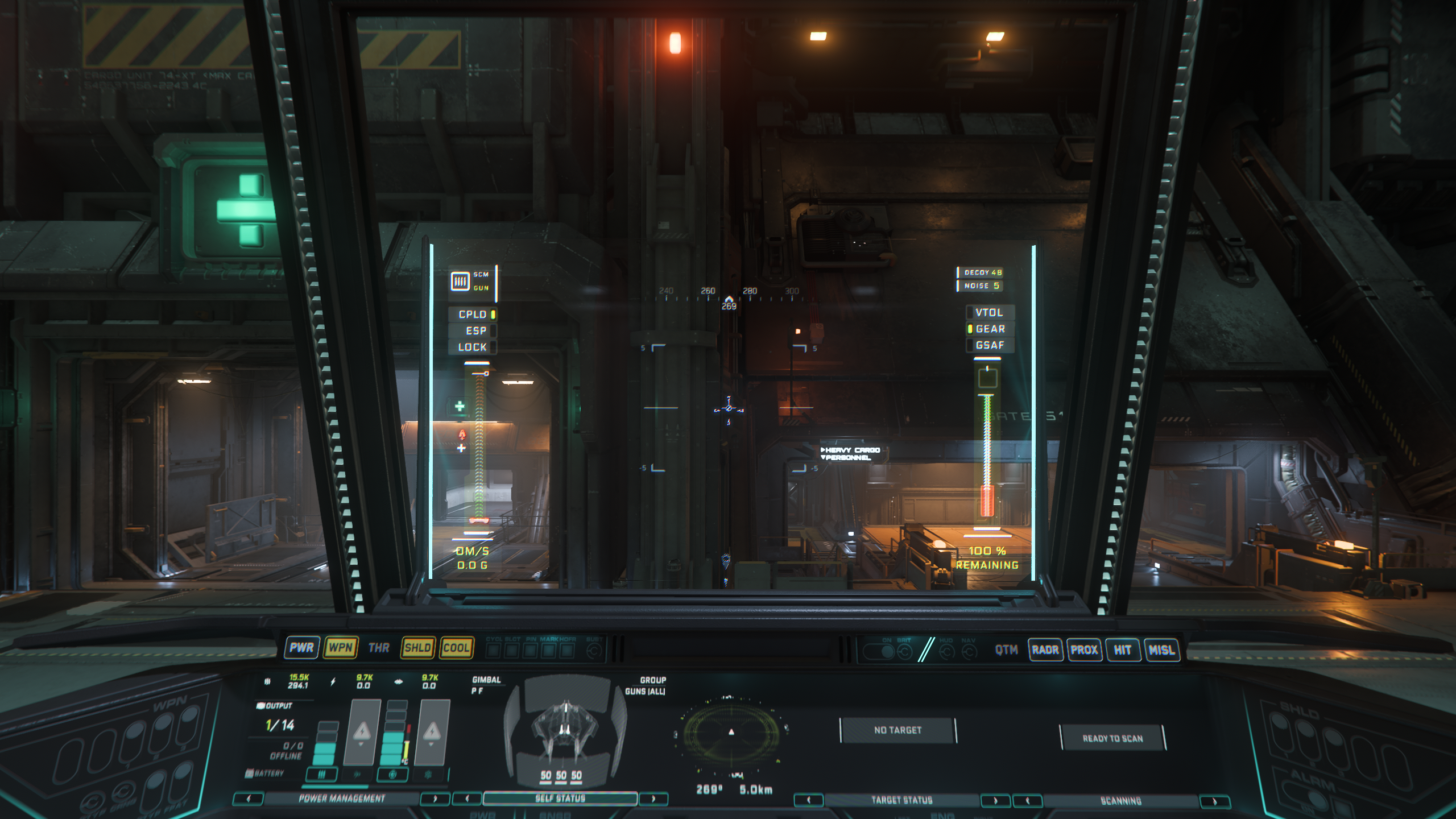
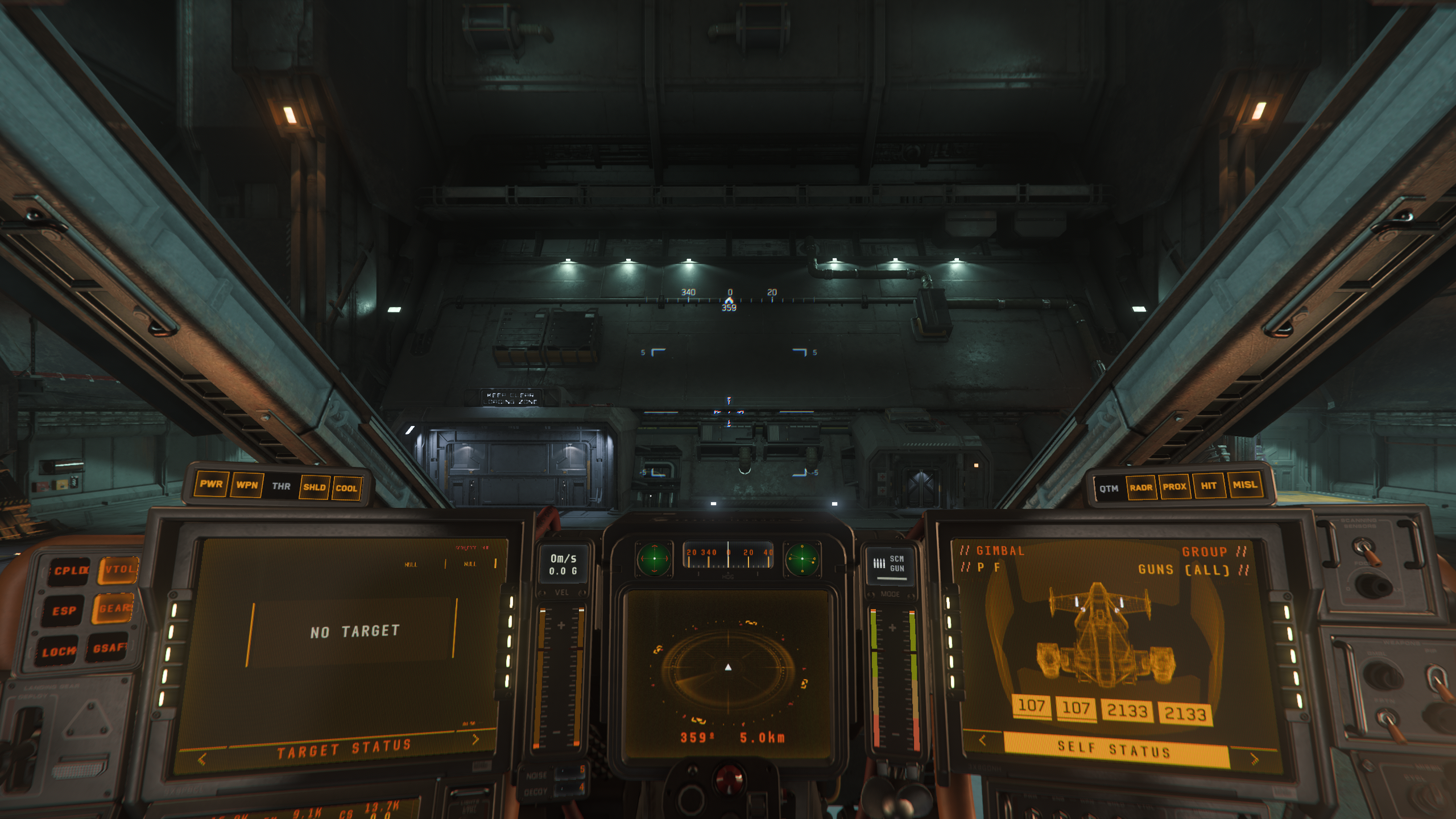
Every ship in Star Citizen has a unique cockpit layout, with the Multi-Function Displays (MFDs) being the only standardized component. Multi-function displays have a series of different informational screens you can toggle between, which allow you to view information about your ship and targets and also configure different aspects of your ship. The number and placement of MFDs affects how much access you have to information about your ship, which can range from useful to essential, depending on the circumstances.
In addition to the ship’s built-in MFDs, your helmet can project two read-only MFD screens into your field of vision, at the upper left and upper right of your heads-up display. These are harder to change than other displays, and by default give you your ship status overview and target information. These projected displays are not useful on all ships: some ships have MFDs or other functional elements that obstruct these displays and render them more annoying than useful. However, they are unobstructed on all of the starter ships.
Range
Ships use fuel to fly. In Star Citizen there are 2 types of fuel: hydrogen fuel (H2) and quantum fuel.
Hydrogen fuel is used for “normal” flight and maneuvering, so the size of your hydrogen tank measures how long you can spend dogfighting, mining, salvaging, exploring planetary surfaces, and all other interactive ship-based activities before you need to find a refuelling location.
Quantum fuel is used by your quantum drive1 to travel between moons and planets. Quantum fuel efficiency is affected by which quantum drive you equip. All of the starter ships except the Cutlass Black use size 1 quantum drives, which means they have the same set of options available to them, so we’re using the size of the quantum fuel tank as a proxy for quantum range.
Ship Interior
Most of the starter options have some sort of interior. In addition to stylistic / aesthetic considerations, there are a lot of functional aspects to a ship’s interior. How long does it take to get to the cockpit? How many doors are in the way? Is there room for other players to catch a ride? Does it have weapon racks, suit lockers, and other quick-access stowage? If so, how convenient are those to get to on your way out?
The new engineering gameplay, added in 4.5, brings a host of new considerations to a ship’s interior (and sometimes exterior) layout. We’ll discuss some of these considerations here, but keep in mind that for most of the starters, engineering is fairly simple and won’t change your gameplay very much.
The first thing to consider for engineering is whether the ship has “physicalized” components. More recently added ships all have internal components (the power plant, shield generator, coolers, etc) that can be removed, repaired, and replaced by the player. Older ships often don’t have these yet, which means the only way to repair damaged components is to use the limited auto-repair function or reach a station or landing zone that has repair services.
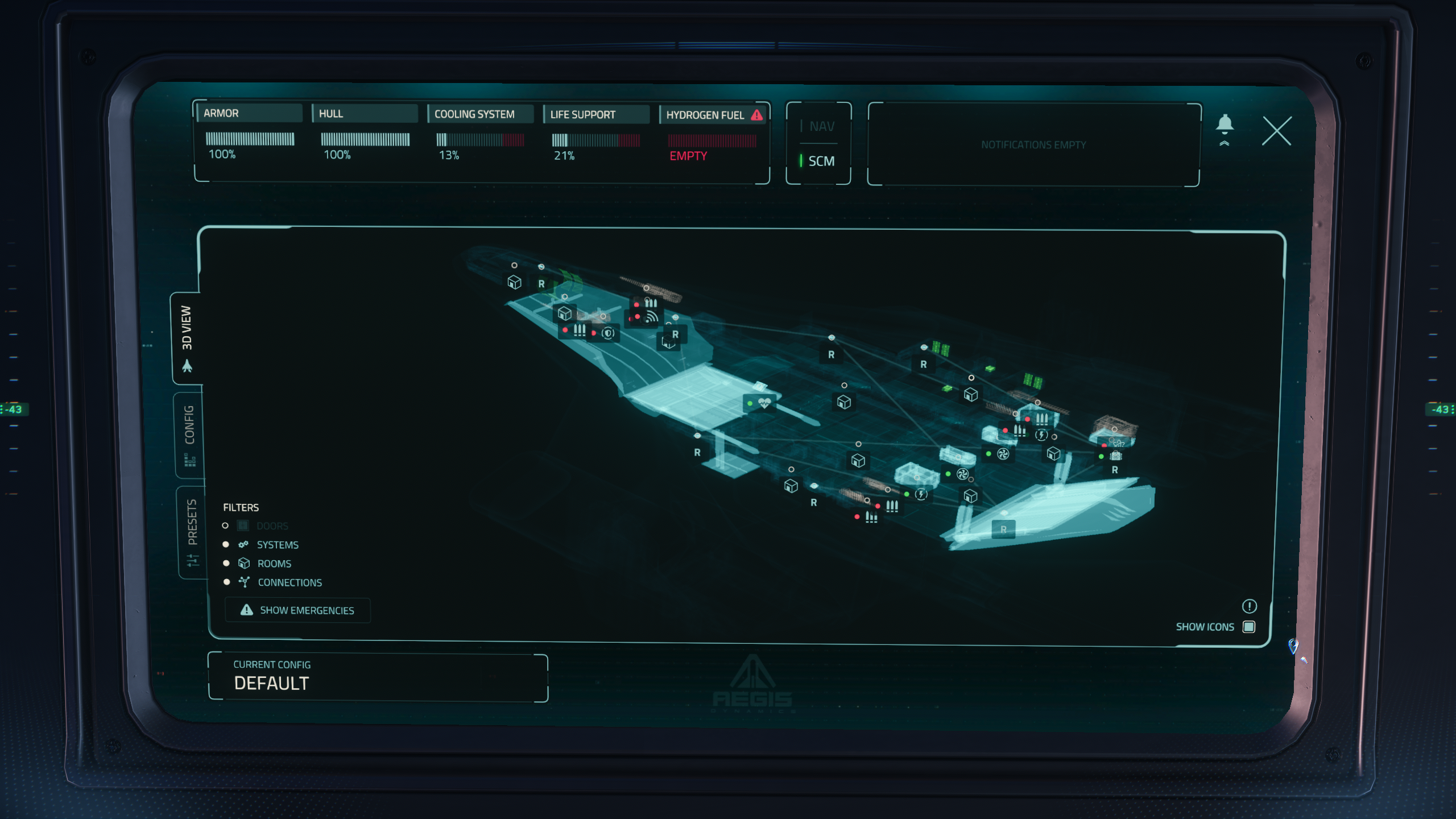
In addition to physical components, some ships now have Engineering terminals. Ships with an engineering terminal have several enhancements not available to ships without them:
- Enhanced fire control: the terminal can be used to selectively open doors to vent sections of the ship to space.
- Enhanced power distribution: power control presets can be created and quickly swapped between using the engineering console.
- Enhanced ship status: The engineering console shows a 3D view of the ship, with damaged components color-coded.
Smaller ships lack Engineering terminals by design; their simpler layouts and power grids mean they don’t get as much advantage from them. If the engineering gameplay sounds exciting to you, you might want to consider prioritizing one of the starters that does have an Engineering terminal.
Personal Storage
Typically, ships have some built-in storage areas for holding personal items and gear. Nearly all ships have at least a small locker that acts as a standard inventory storage somewhere on board. Many ships also have physical gun racks for quick weapons access2 , and suit lockers which will eventually provide the same feature for armor. (suit lockers do not yet function)
If you find yourself needing additional equipment storage, you can purchase a “Stor-All” cargo container, which snap to your cargo grid (see below) and act as an additional inventory you can store personal items in. Ship storage lockers, weapon racks, and Stor-All boxes are also accessible to other players on your ship, so you can use them to keep a stash of weapons, ammo, healing items, etc for your crew to use.
Additional Notes on Weapon Racks
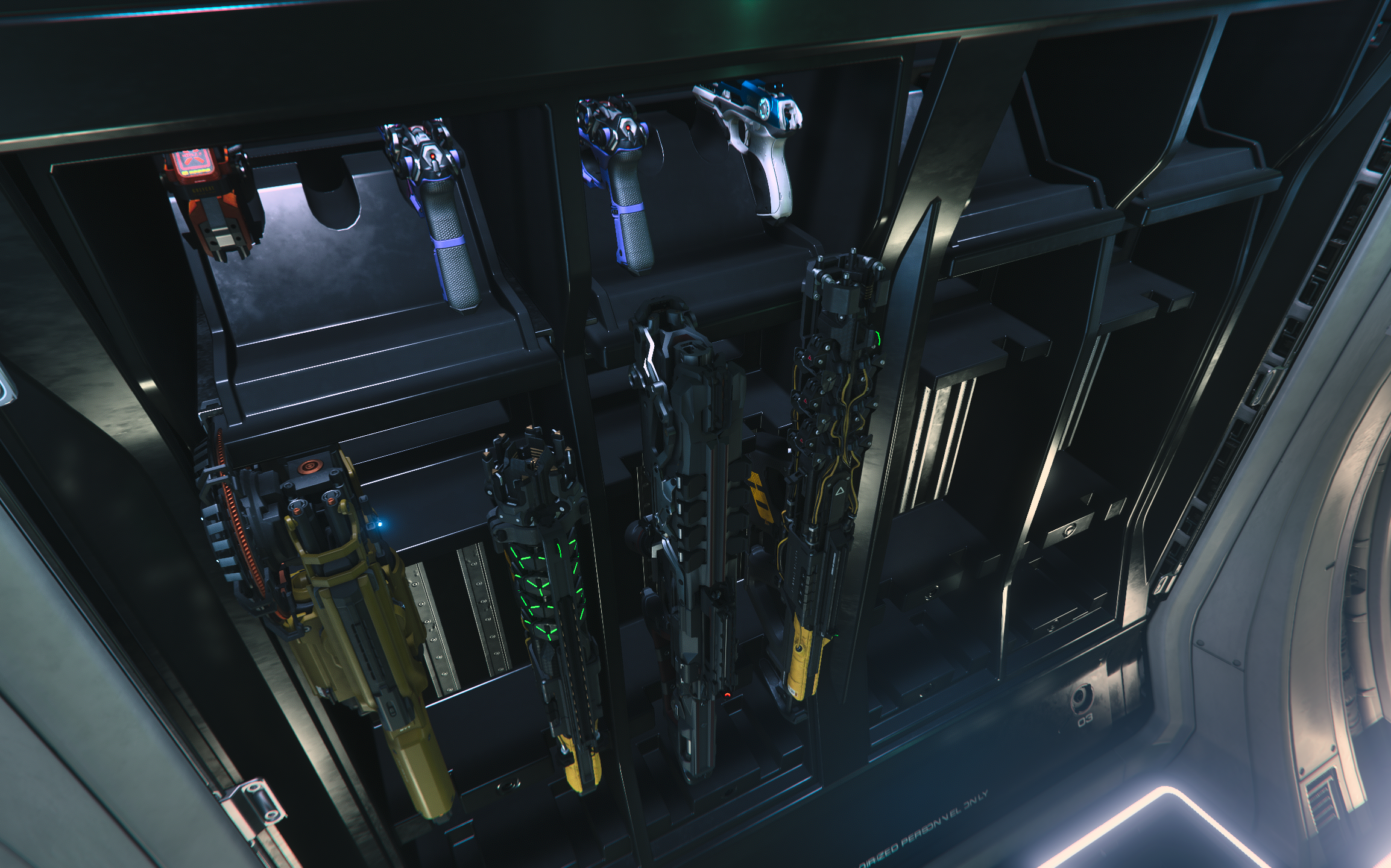
Weapon racks vary in exactly which weapons and tools they can store. For the purpose of weapon racks we can break them down into 4 categories3:
- Sidearms encompass all single-handed weapons / sidearms, most notably pistols, the ParaMed Medical Device, and the RYT multi-tool.
- Light Weapons include SMGs, rifles (including sniper rifles), shotguns, and the Max Lift tractor beam and the Cambrio salvage/repair tool.
- Medium Weapons include LMGs and Grenade Launchers.
- Heavy Weapons include Rocket Launchers and Railguns.
When it comes to weapon racks, sidearms are easy: weapon rack mounts that hold sidearms are clearly distinct and only hold sidearms. Other weapon mounts can hold either one or two categories of weapon. (for example, the weapon mounts shown here can hold light and medium weapons)
Living Quarters
Ships with interiors may also have beds, kitchens, and bathroom facilities. Gameplay for these features is largely non-existent in 4.5, but will have utility in the future.
Of these elements, only beds currently have a practical purpose - you can use them to log out of the game and log back in still in your ship, making it super fast to pick up where you left off. This is colloquially known as “bed logging”, and some players find it essential while others find it completely superfluous. Only about half of the available starters have beds. If living out of your ship and logging back in right where you left sounds important to you, pay attention to which starters include a bed.
Cargo
Hauling cargo (AKA “space trucking”) is another core pillar of Star Citizen’s gameplay. All but two of the ships in the starter lineup have a Cargo Grid; an area of the ship that standardized cargo boxes can be snapped onto for transport. These cargo boxes are measured in Standard Cargo Units (SCU), so a ship’s cargo capacity is listed in SCU.
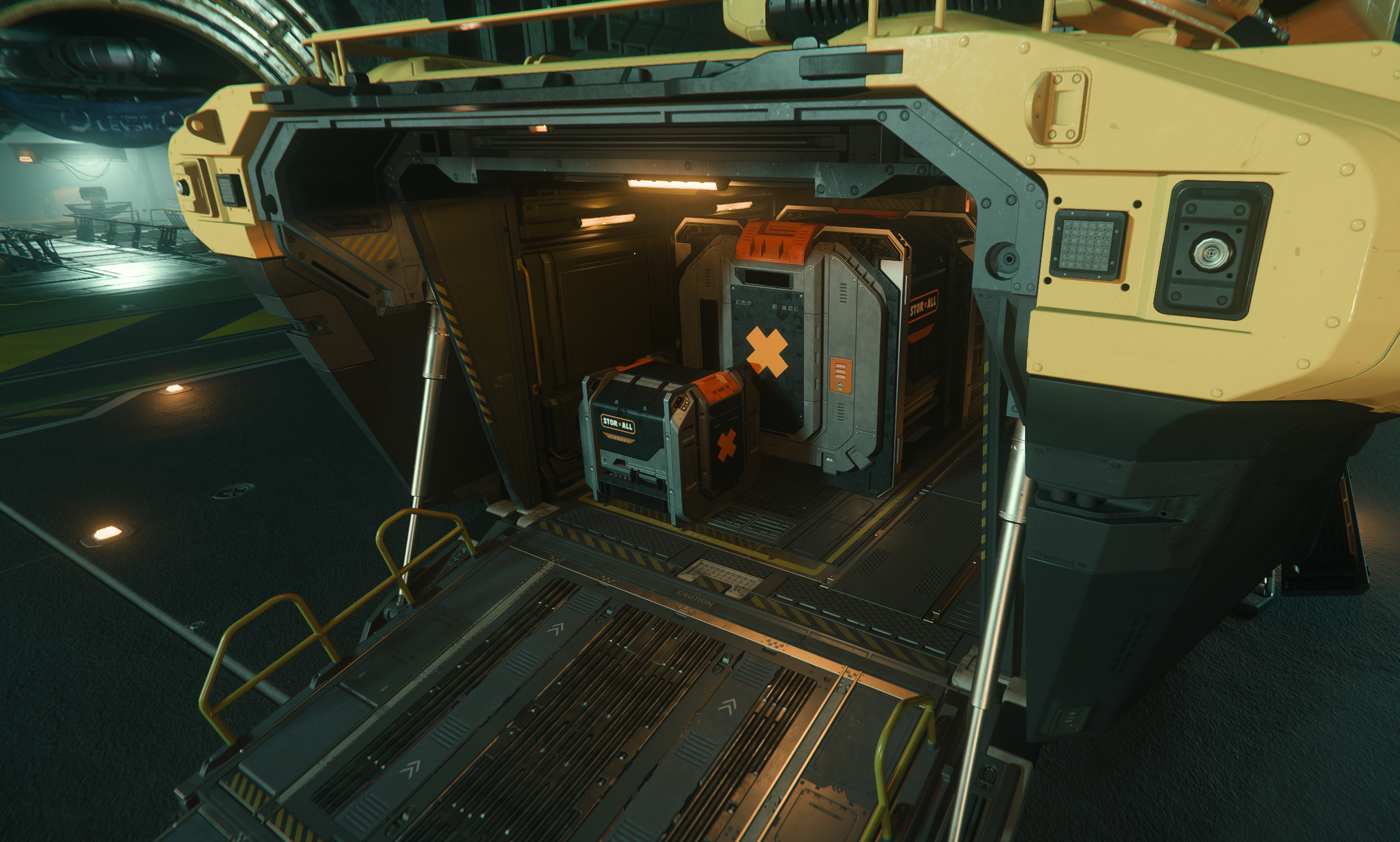
Numbers aren’t everything here, though. Cargo frequently has to be loaded and unloaded manually using either handheld or ship-mounted tractor beams.4 The location and shape of the cargo grid factor in as well. Some considerations with cargo include:
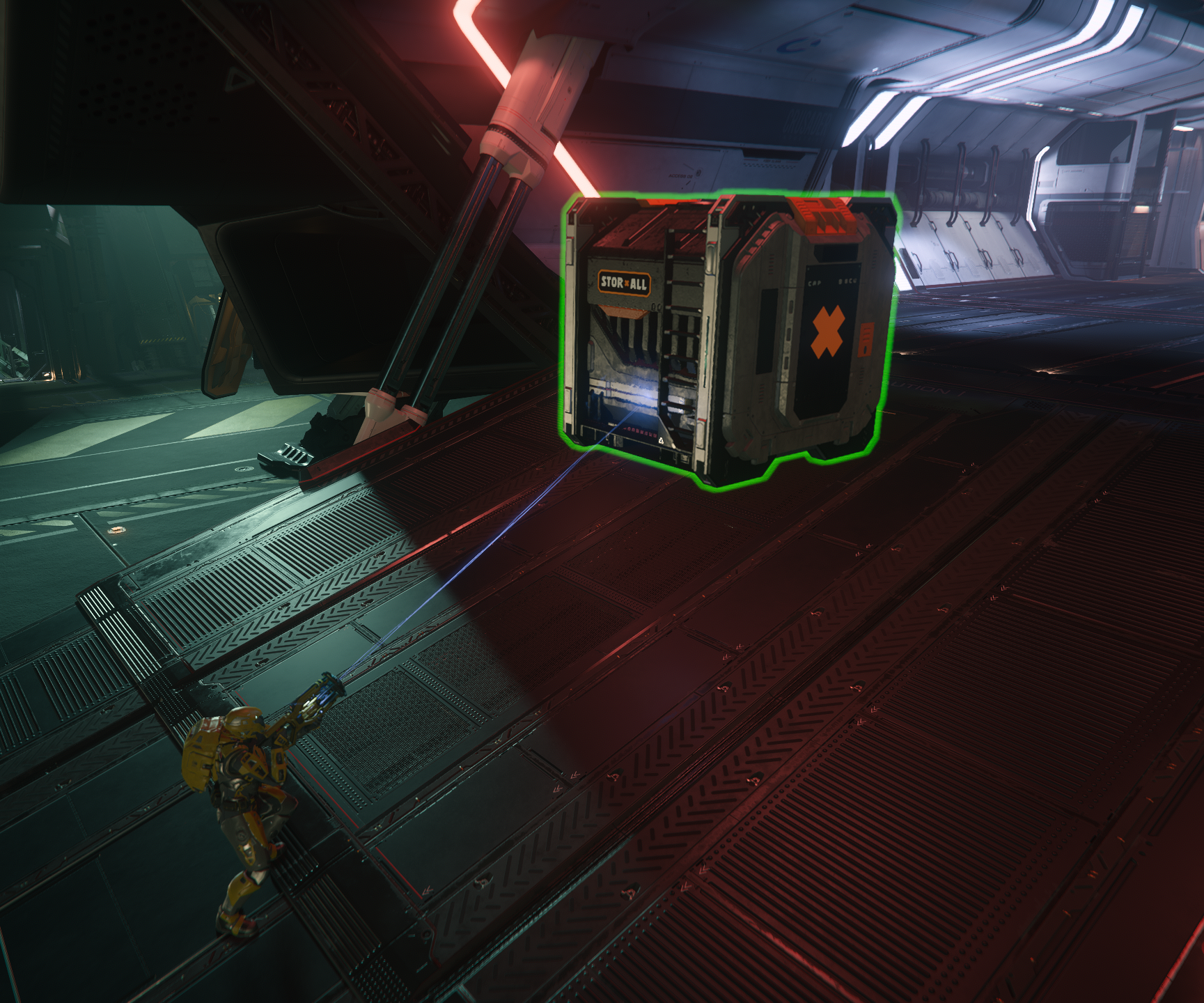
- What’s the largest sized cargo box the ship can hold? Cargo containers come in standardized dimensions. For example, the 4 SCU box is always 2x2x1 (a flat square). If your cargo grid is not wide enough, you may not be able to carry a 4 SCU box, even though you have 4 SCU of storage capacity in theory.
- Is the cargo in an enclosed cargo bay, or attached to the ship’s exterior? An internal cargo bay is less convenient to load, but potentially more secure. Internal cargo bays can often fit additional cargo “off-grid” as well, while external grids typically cannot. Storing cargo off-grid does come with some risk; the design goal for the game is that such cargo can bang around and get damaged, and potentially damage the ship. Right now, though, this mostly manifests as a bug: on occasion, unsecured cargo clips through ships and causes them to blow up.
- For internal cargo bays, is the cargo accessed via a ramp, or does it drop down on a lift? The ramp-based cargo bay is less convenient to load cargo into, but it may be easier to re-purpose the cargo bay as a ground vehicle garage.
- How much clearance do you have when loading cargo? Restrictive overhead and side clearance can make loading cargo a bit more tedious and time-consuming until you get skilled with the tractor beams.
- Speaking of tractor beams, does the ship have one? A ship-mounted tractor beam can make loading and unloading cargo a breeze.
The Star Citizen Starter Ship Lineup
Alright, let’s get in to the individual ships. The goal of this review is to highlight who each ship is for; both in terms of gameplay and also which play styles and personal narratives it enables and which ones it isn’t great at.
Click or tap on each ship below to learn more.
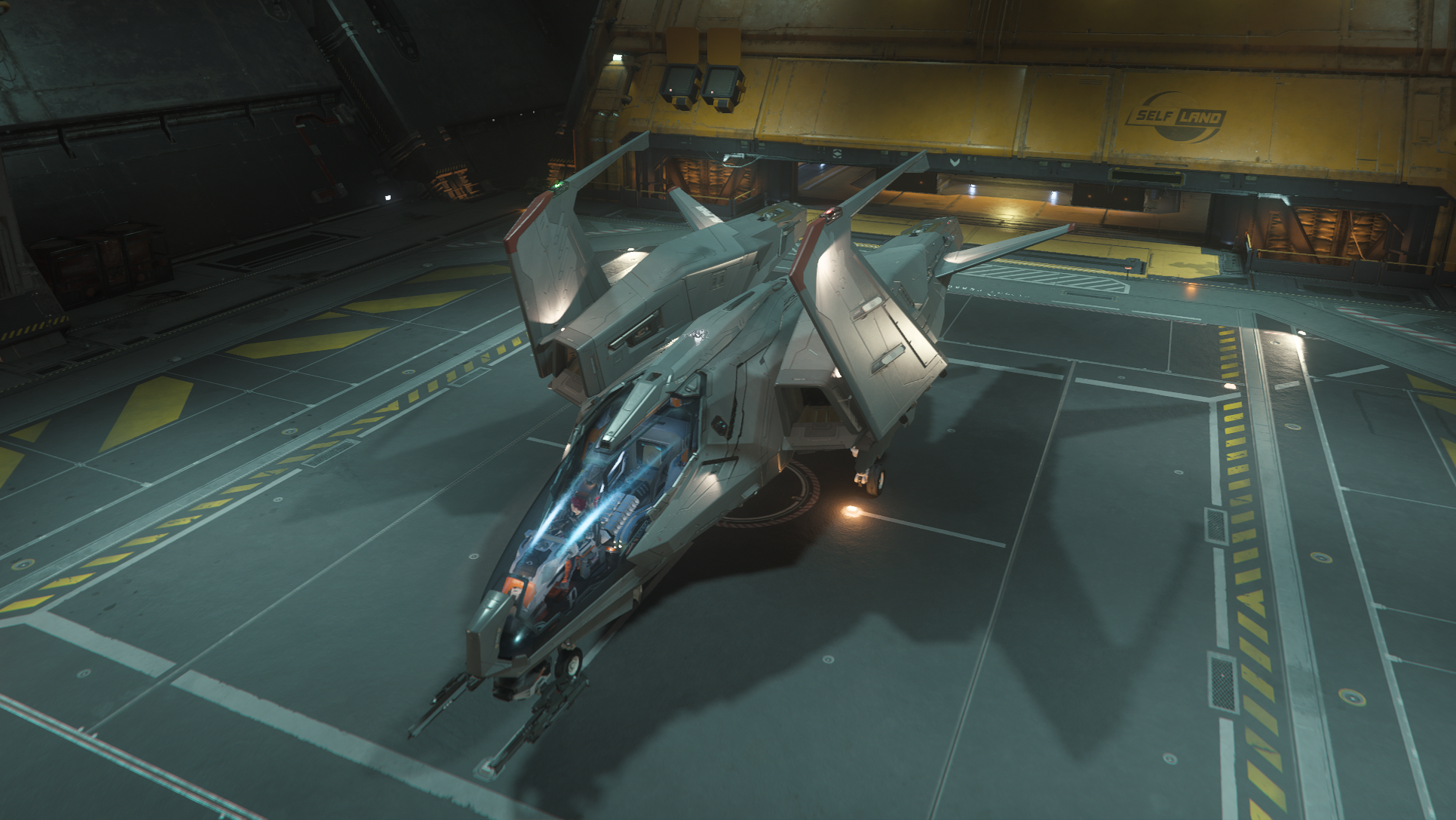
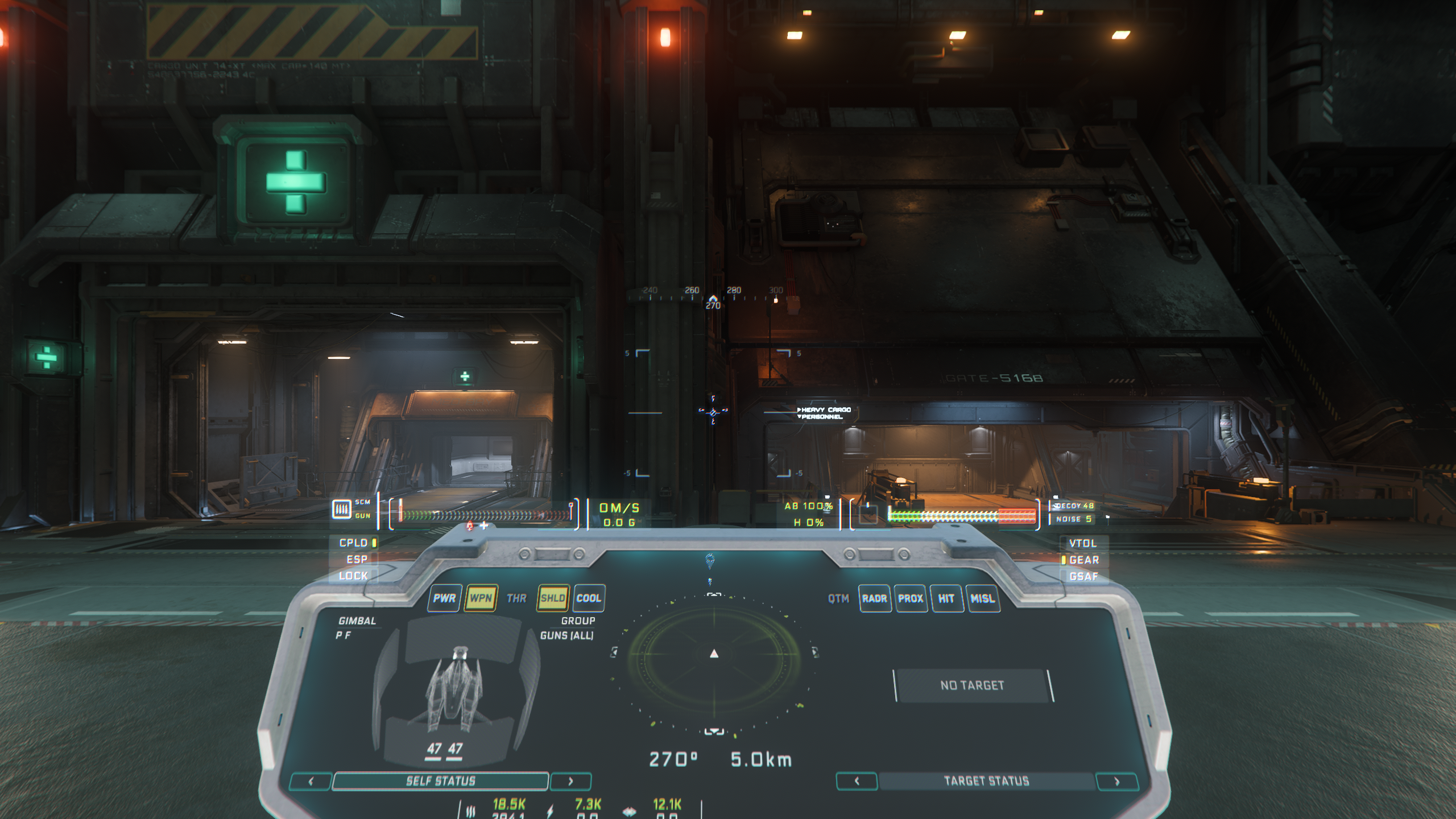
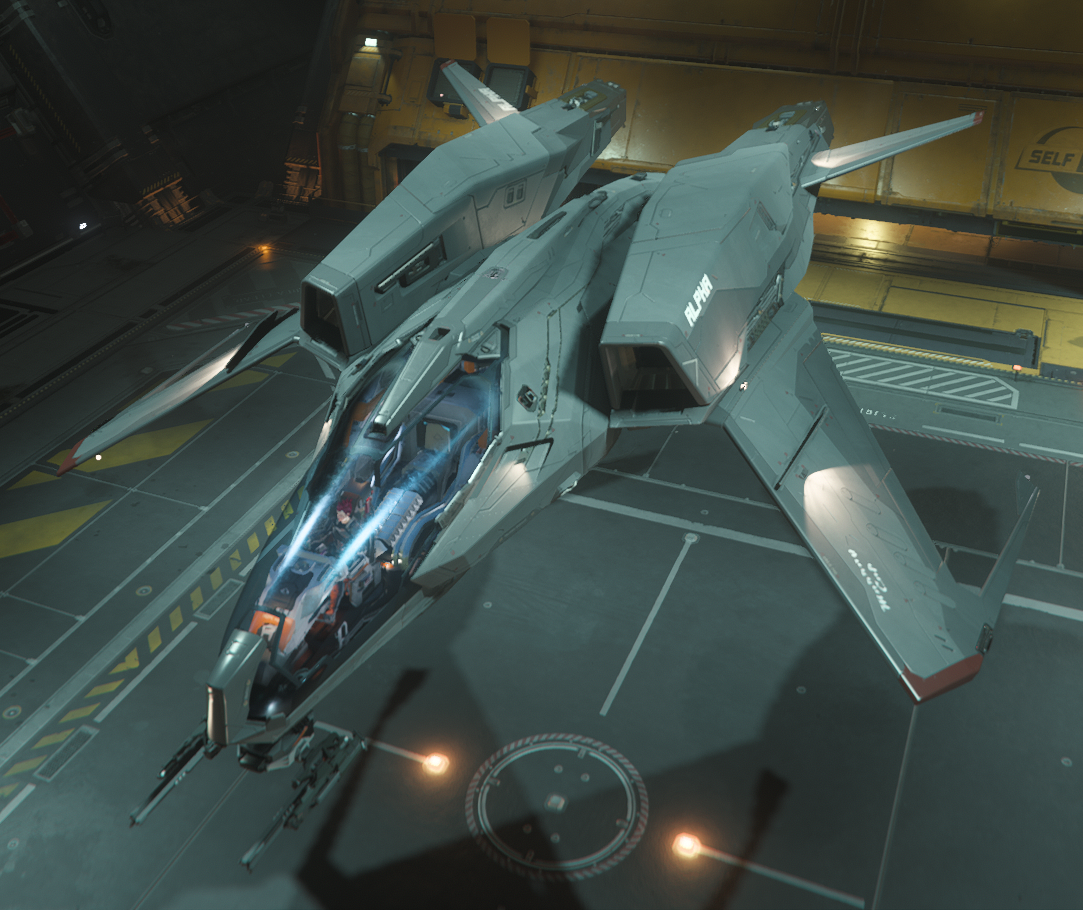
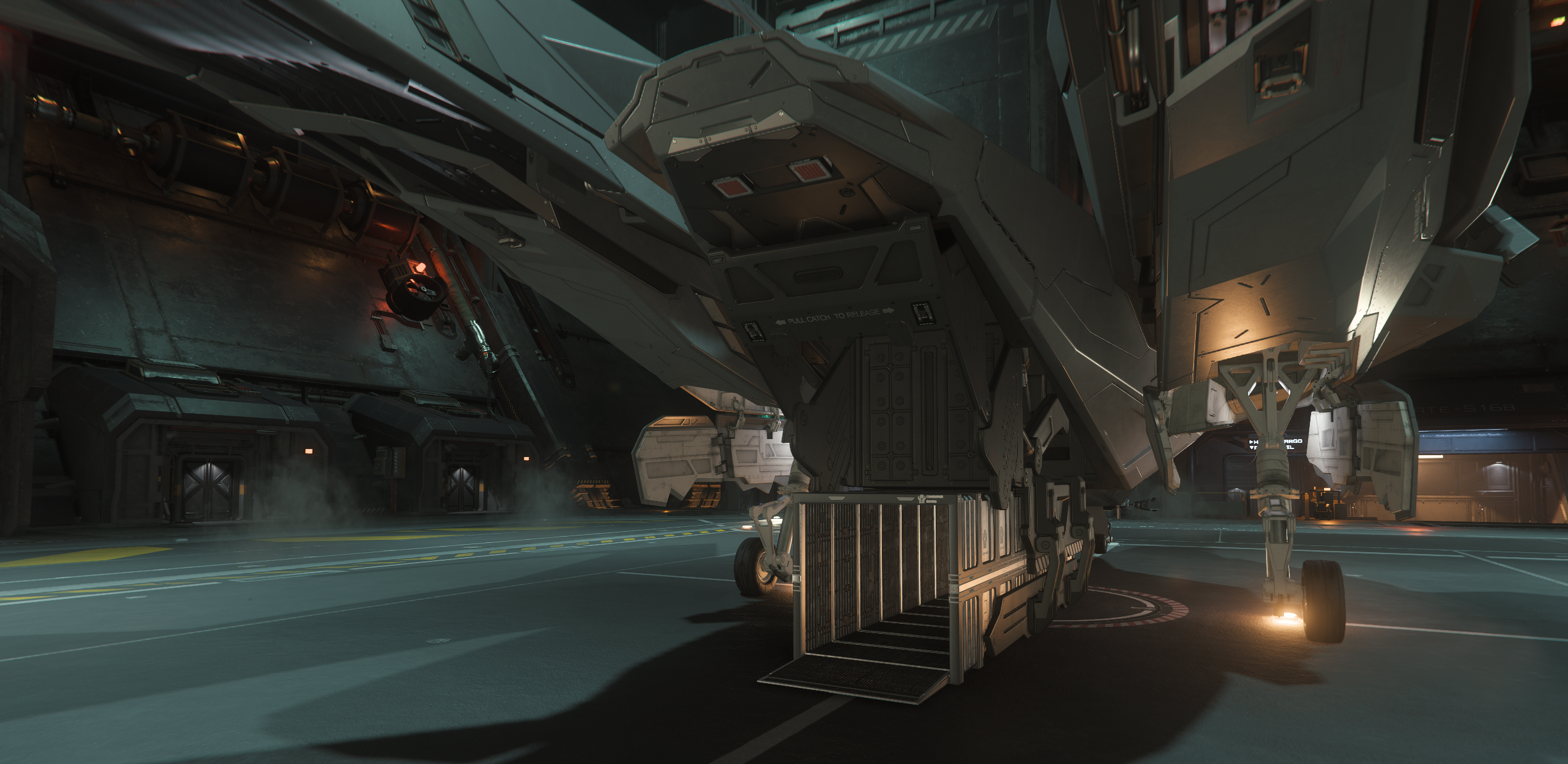
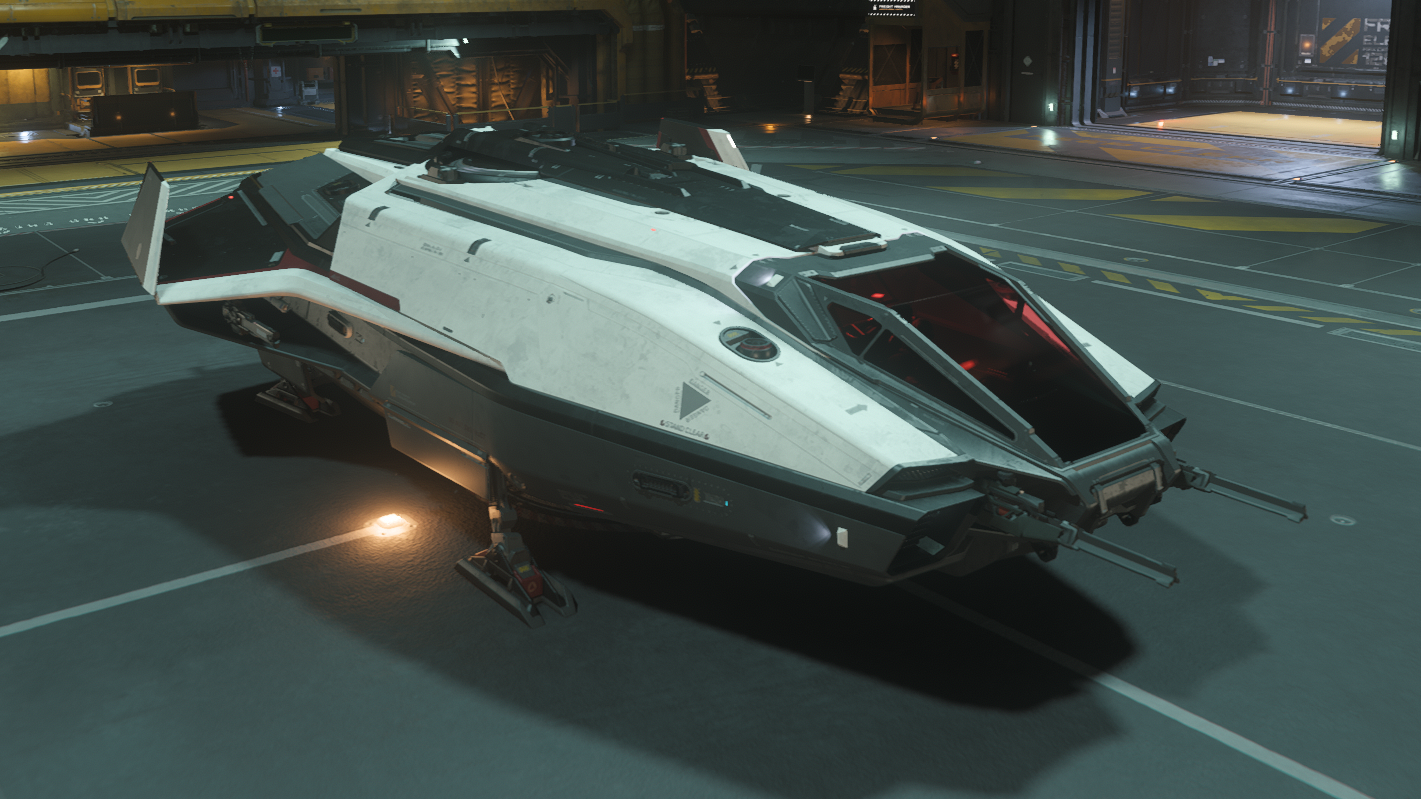
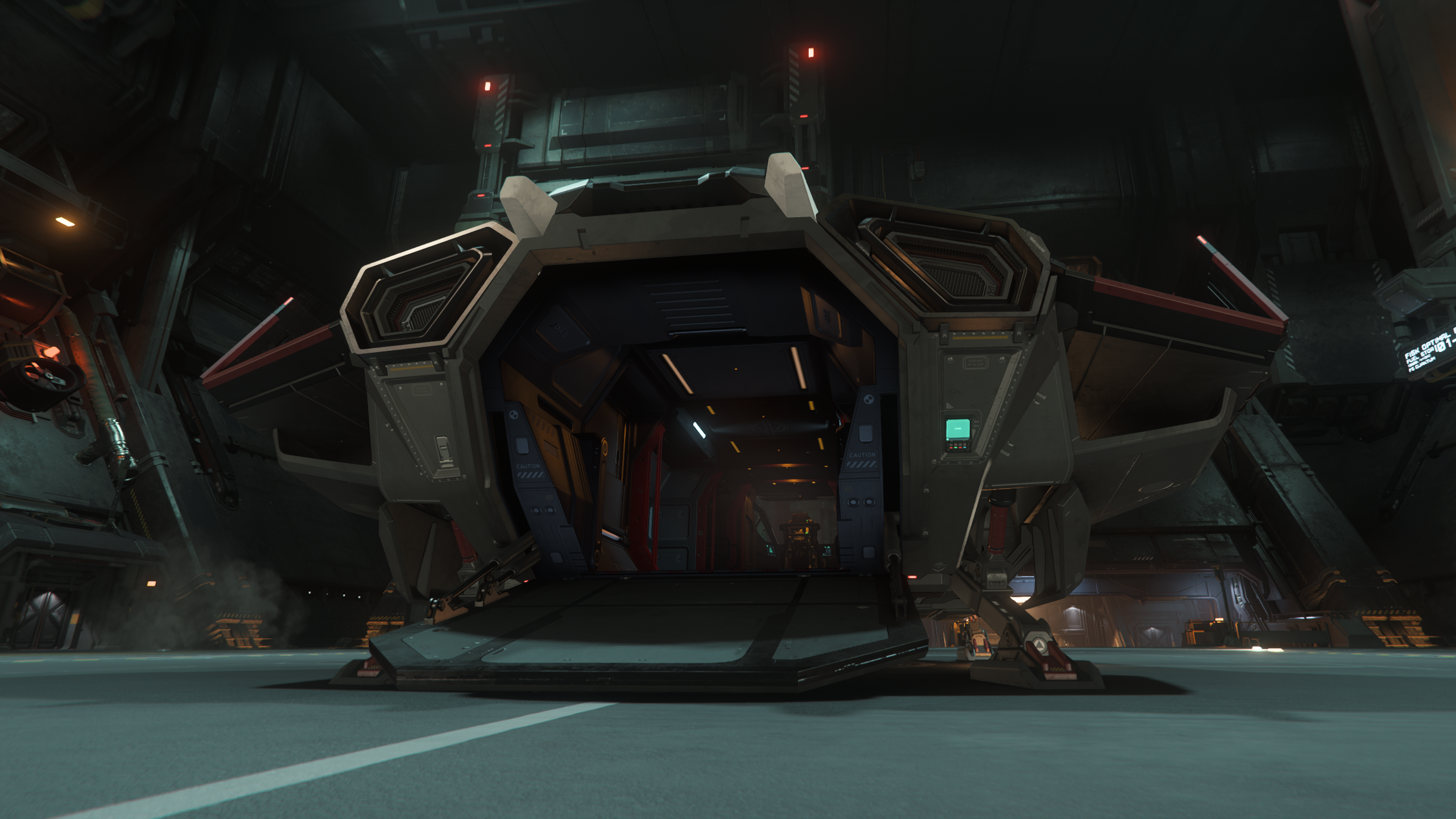
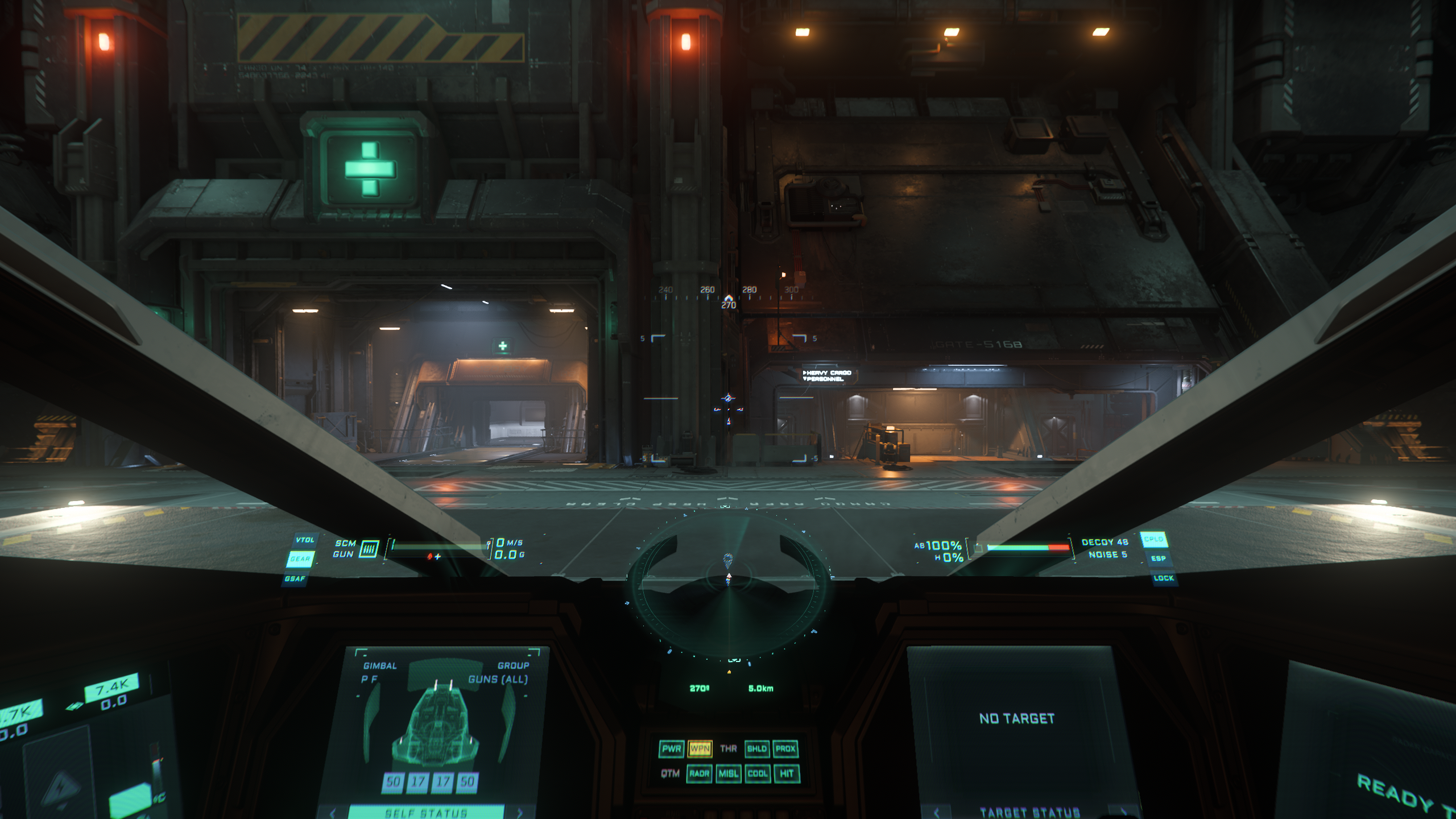
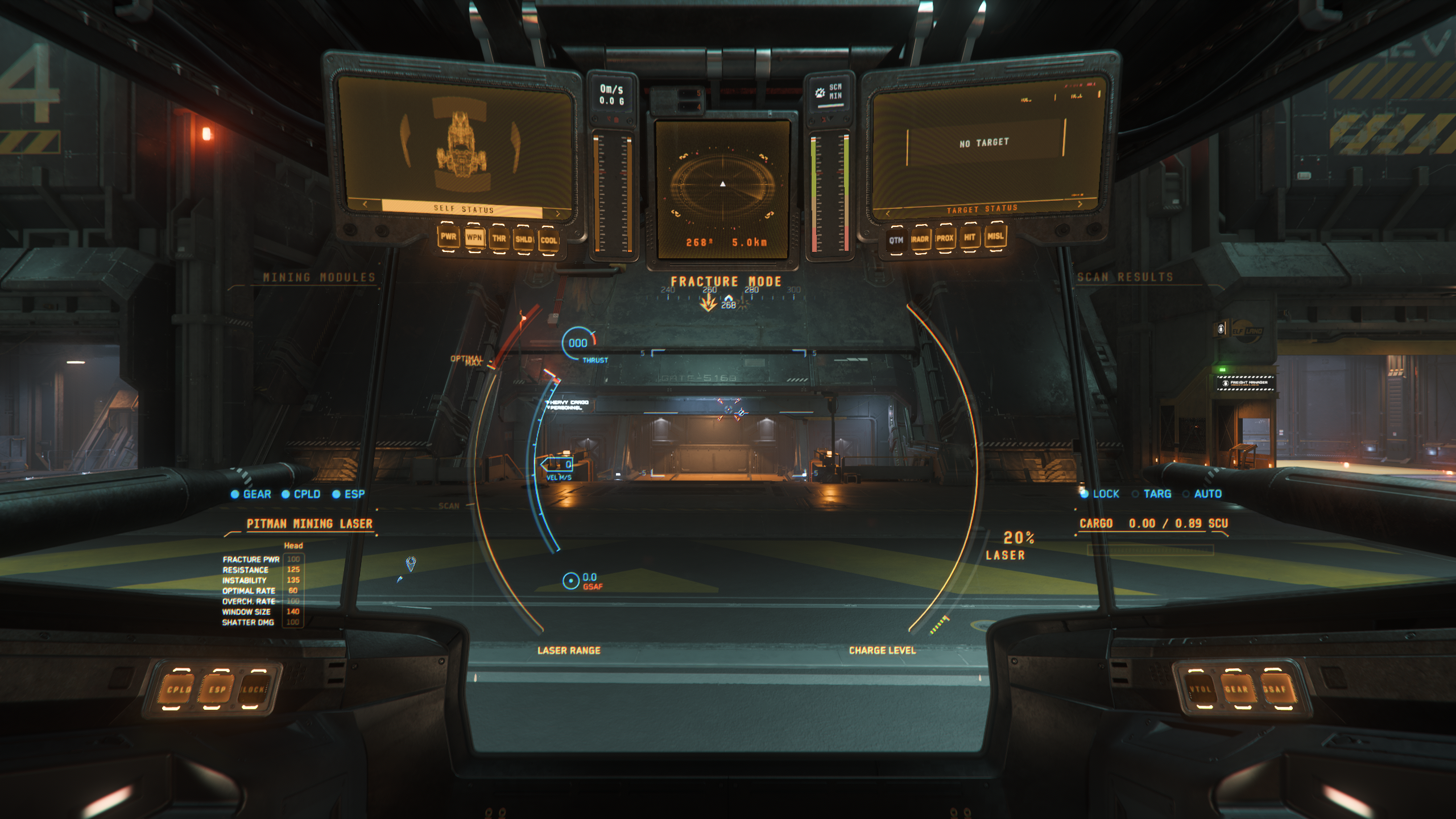
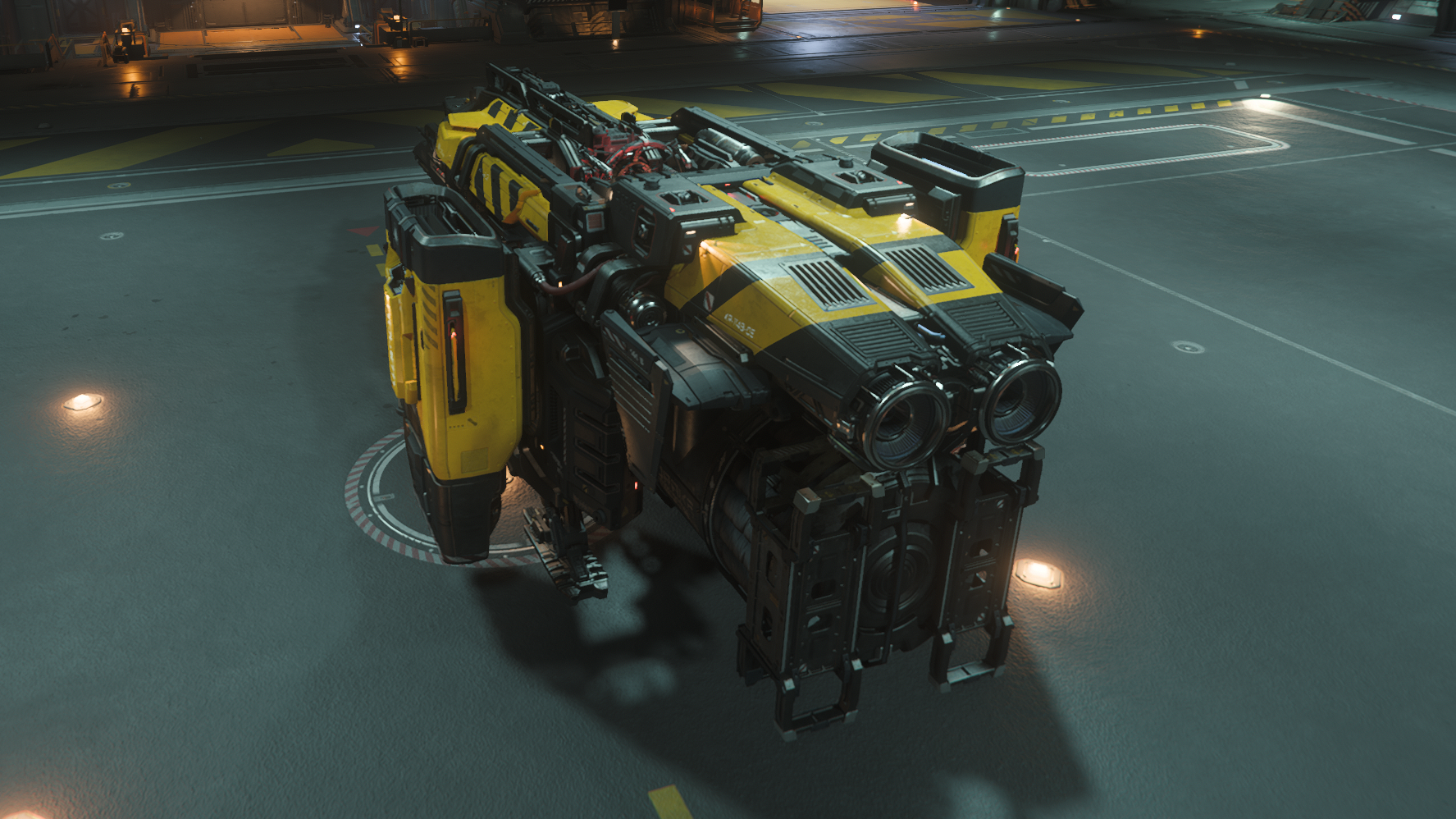
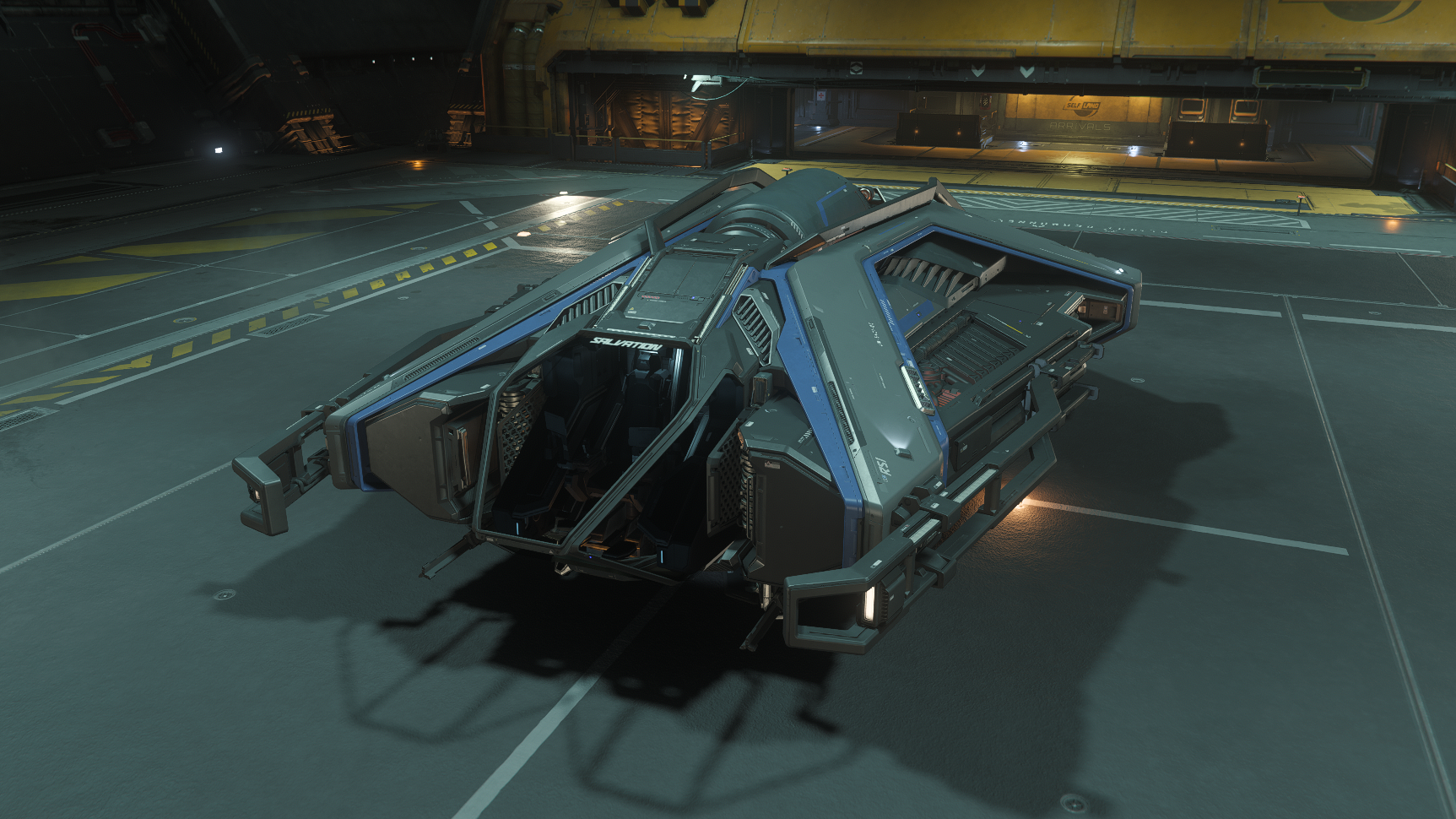
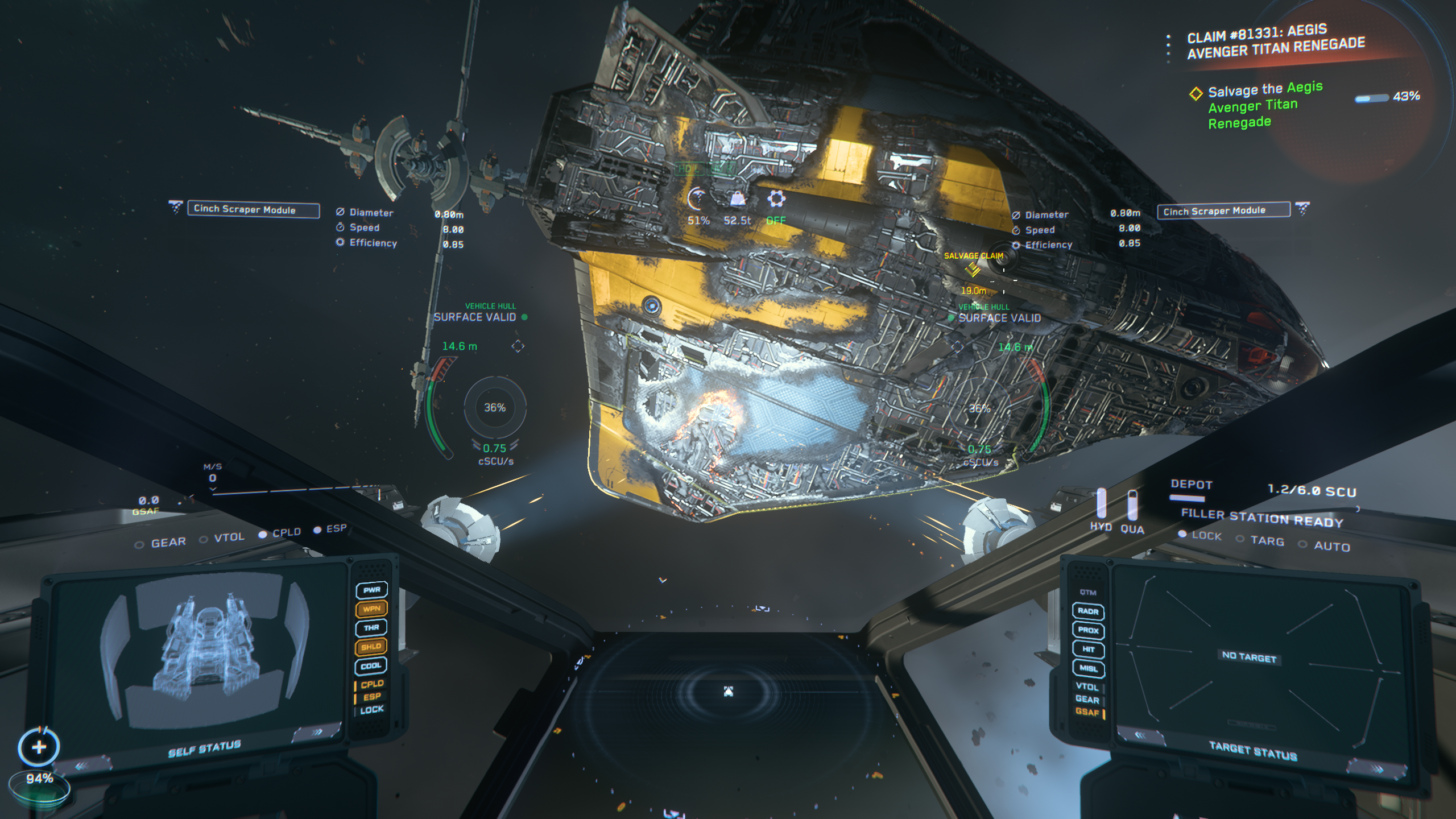
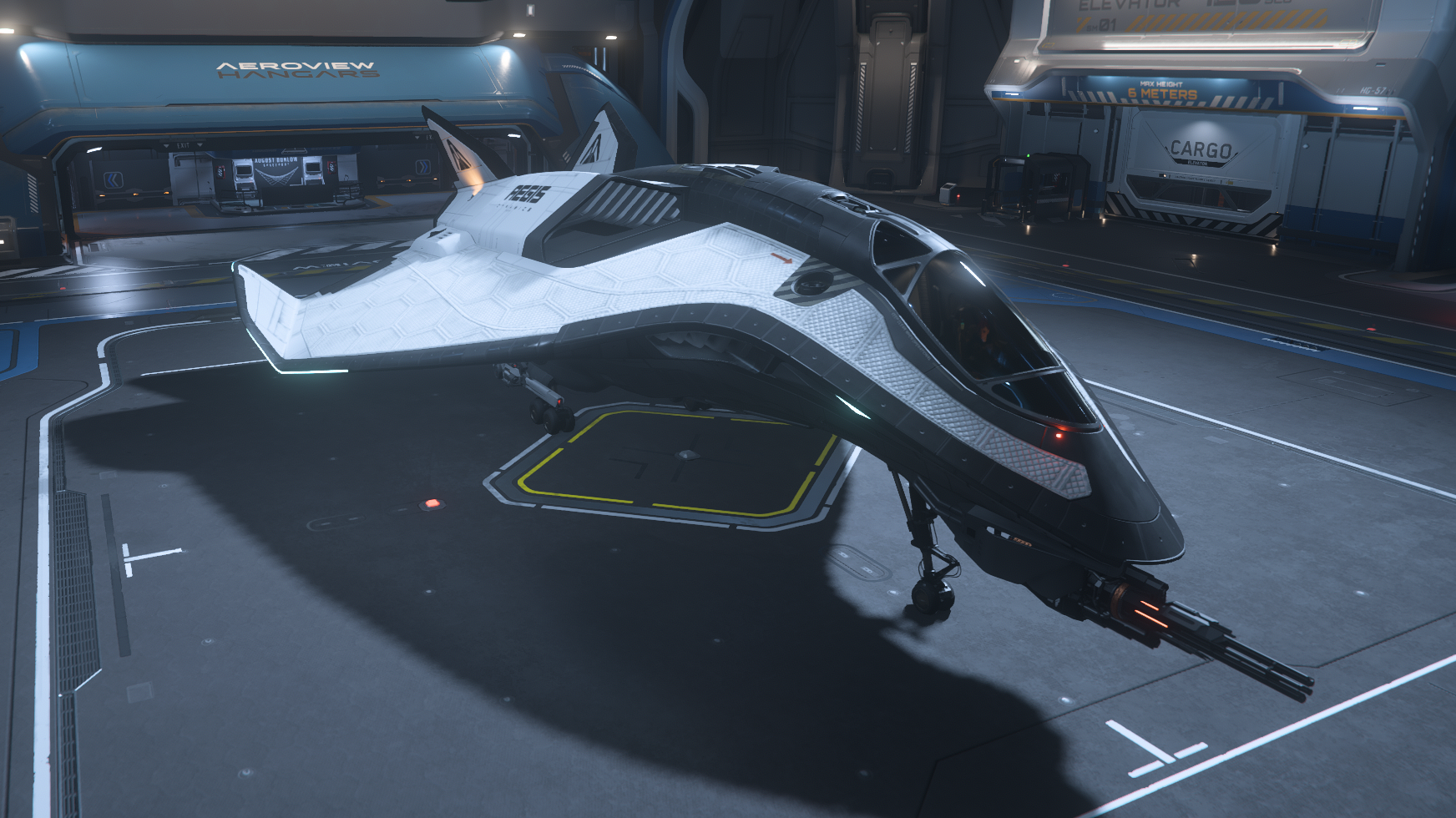
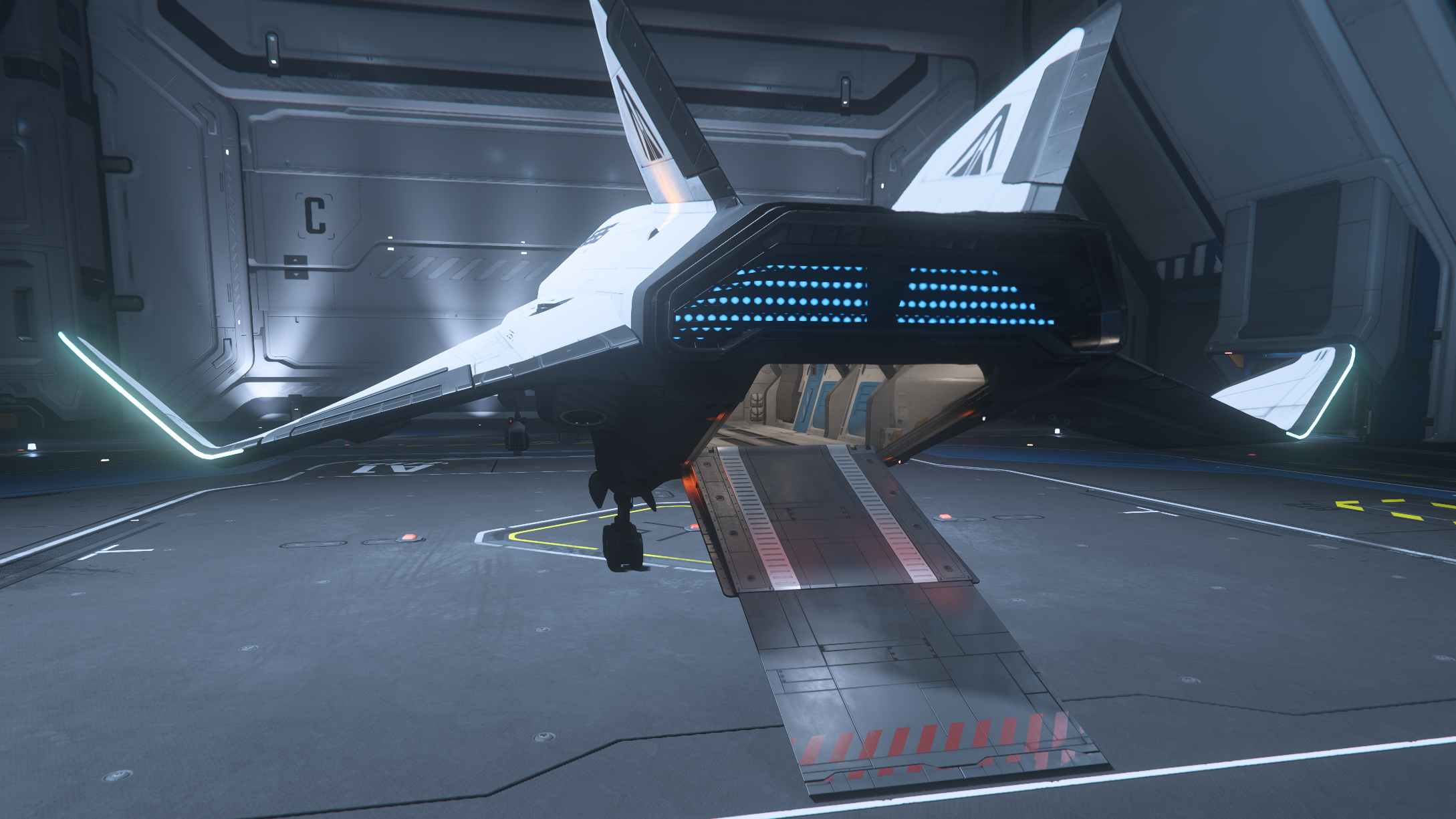
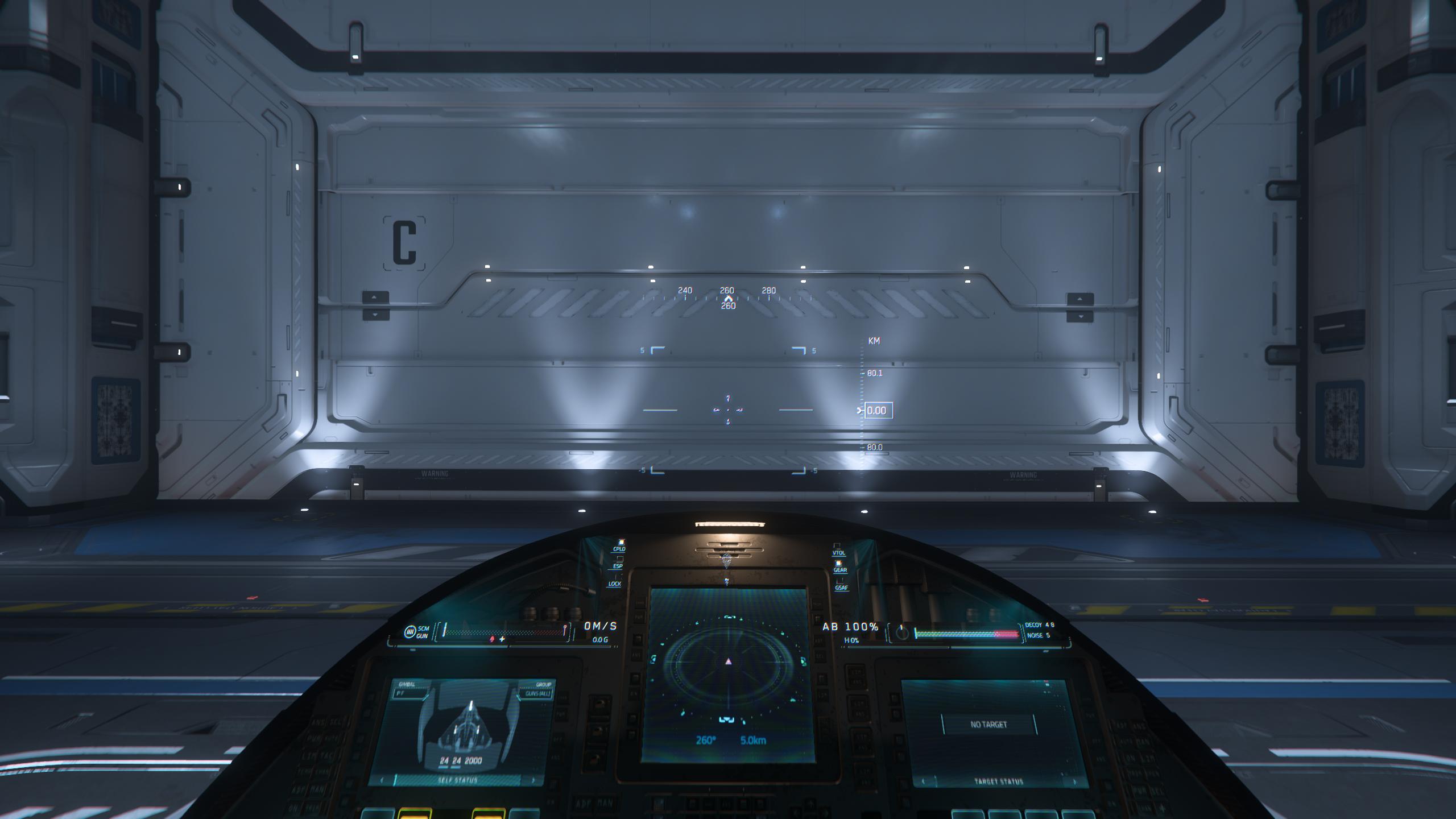
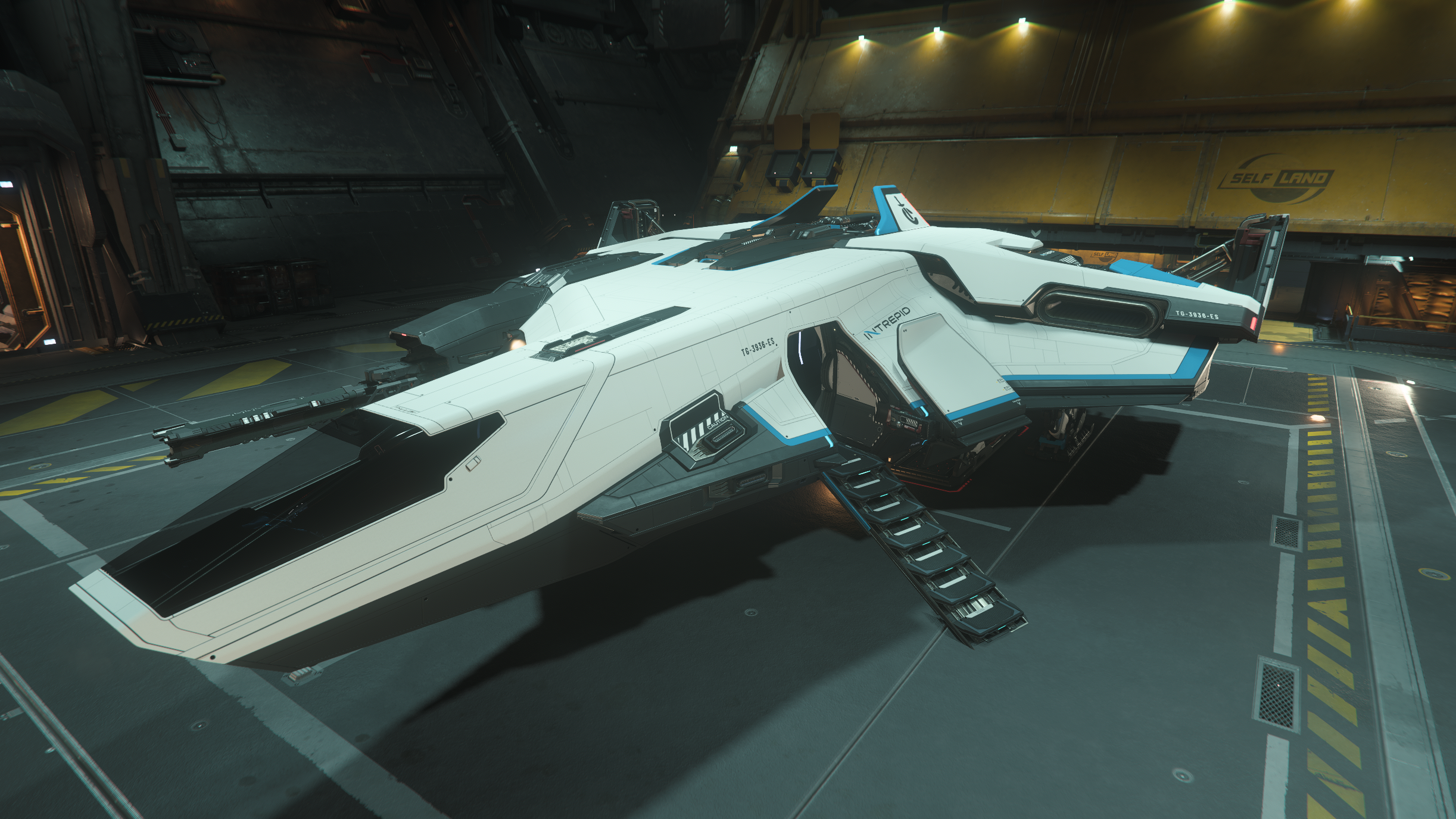
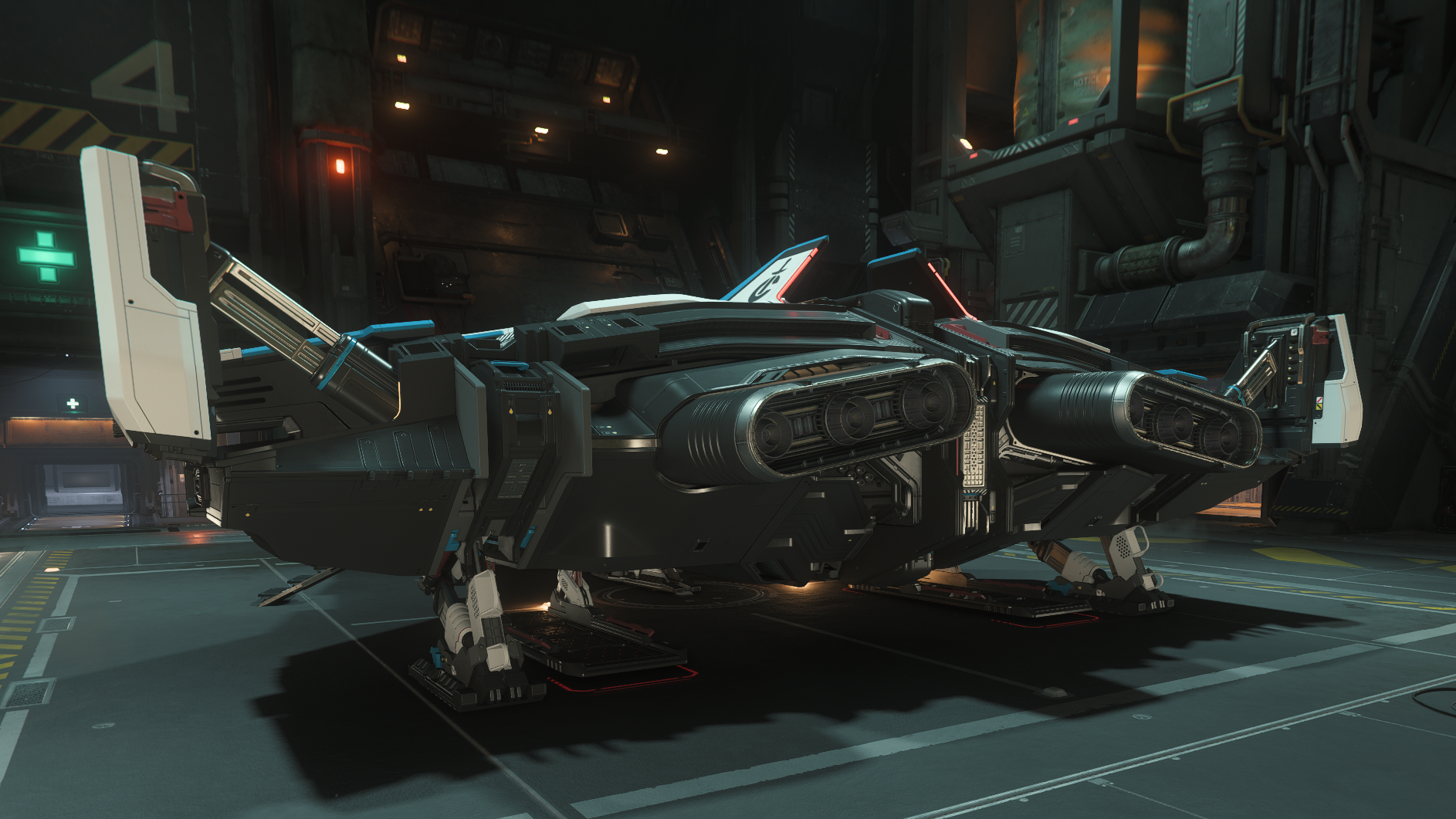
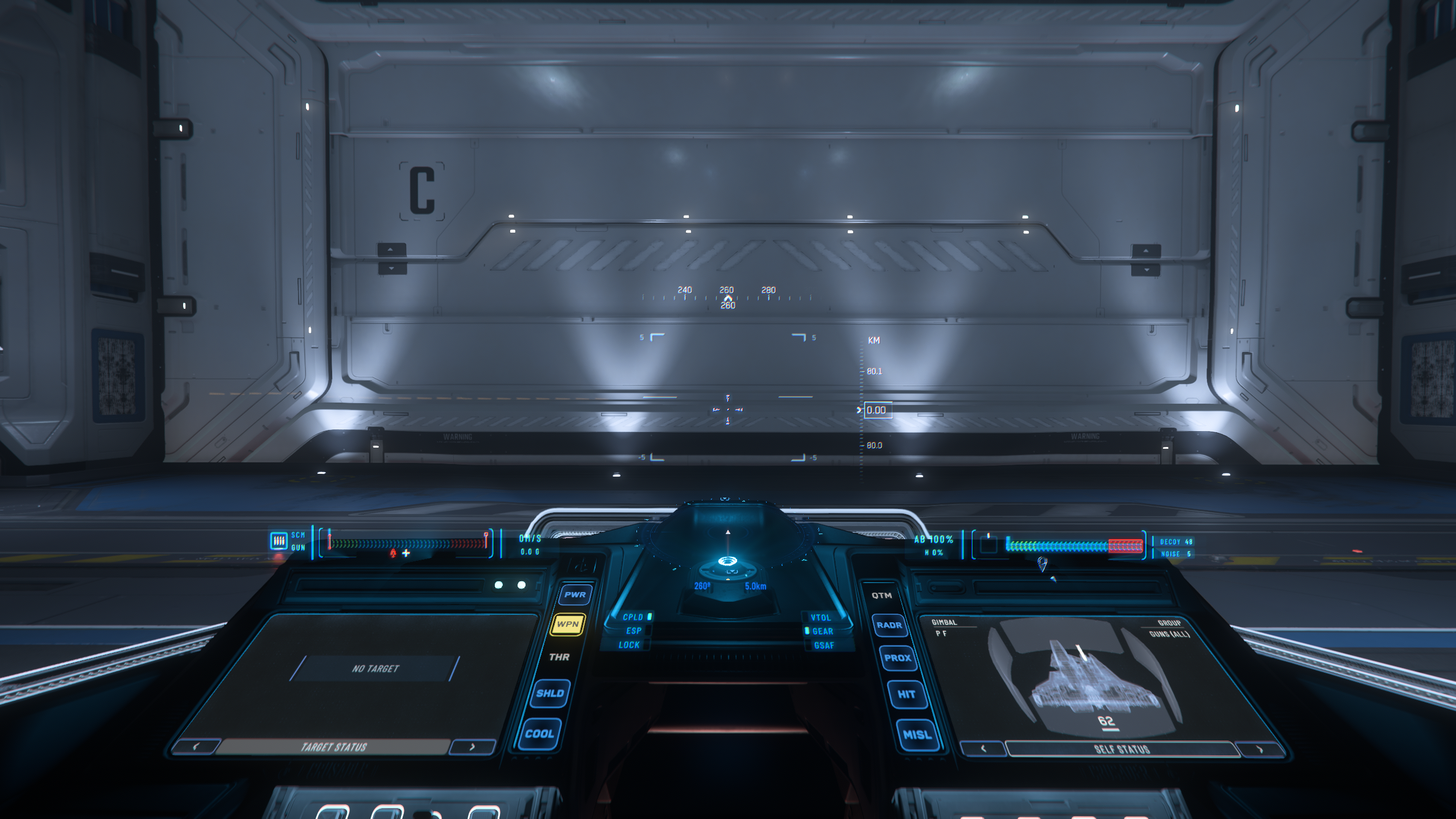
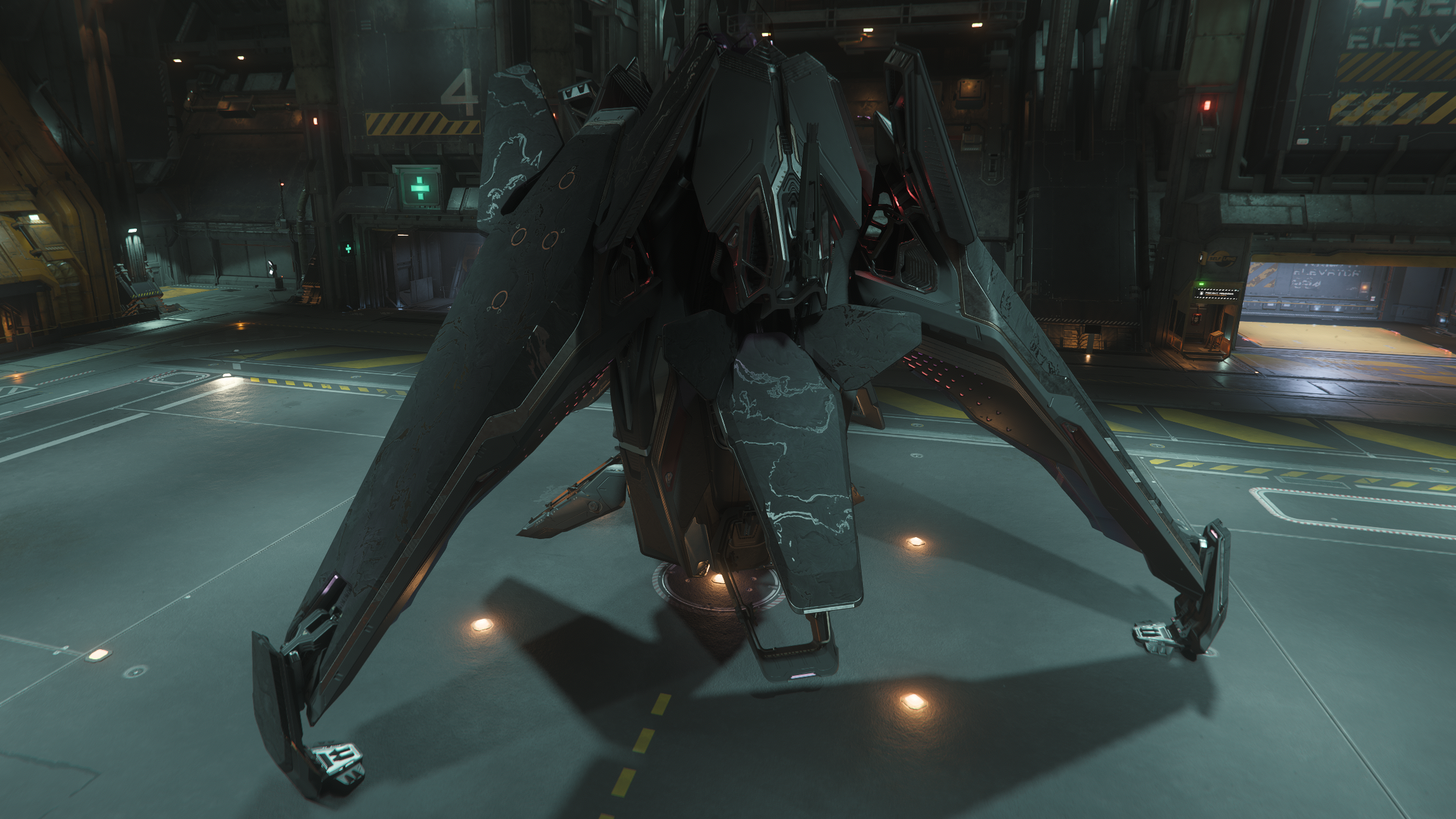
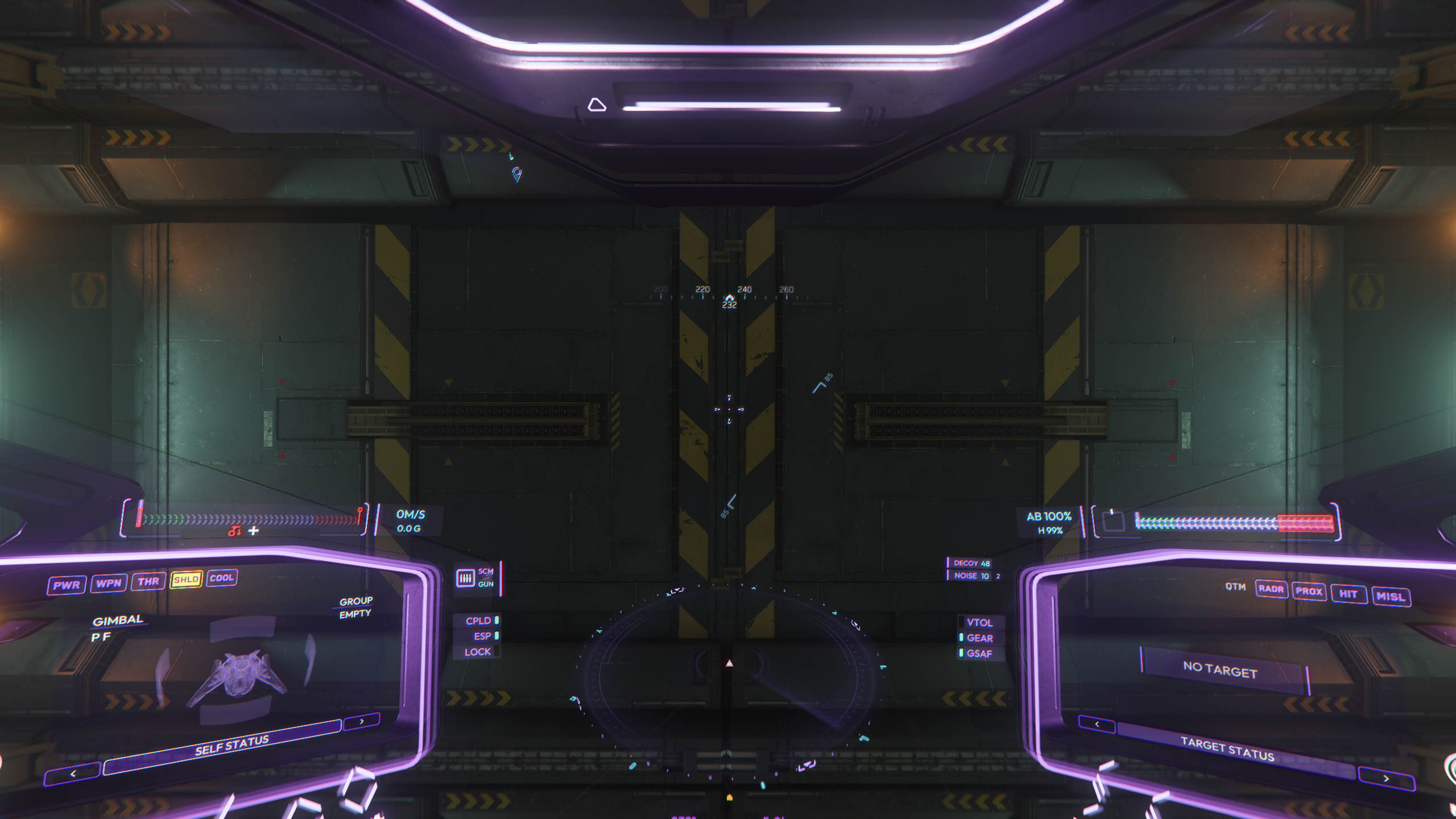
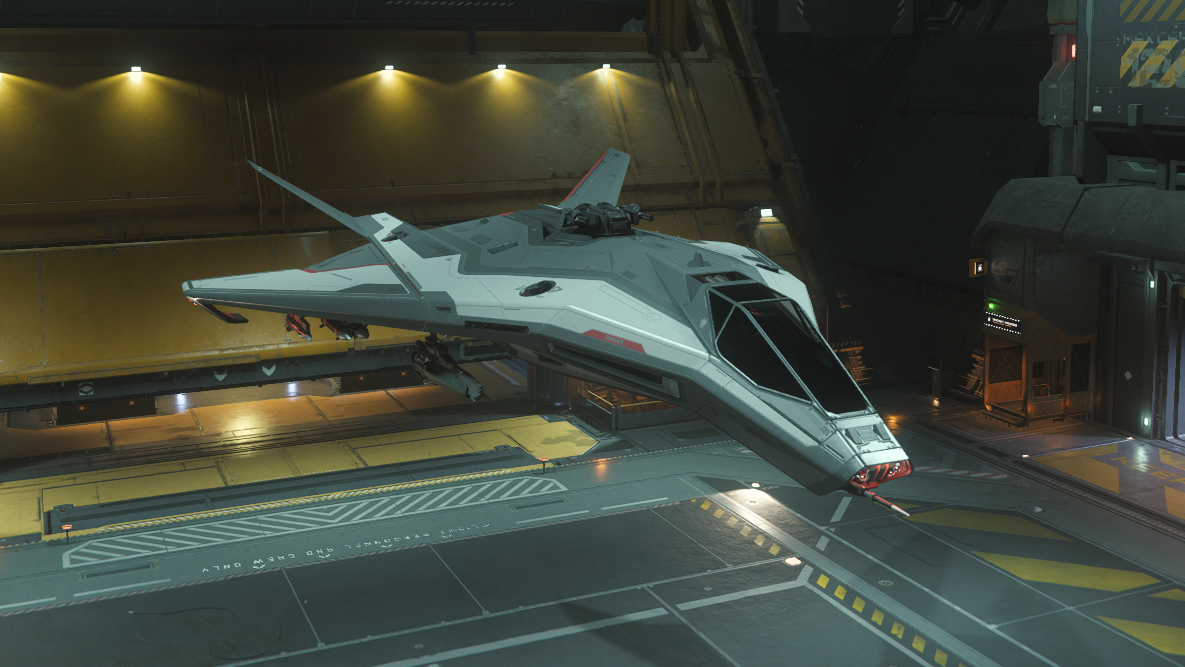
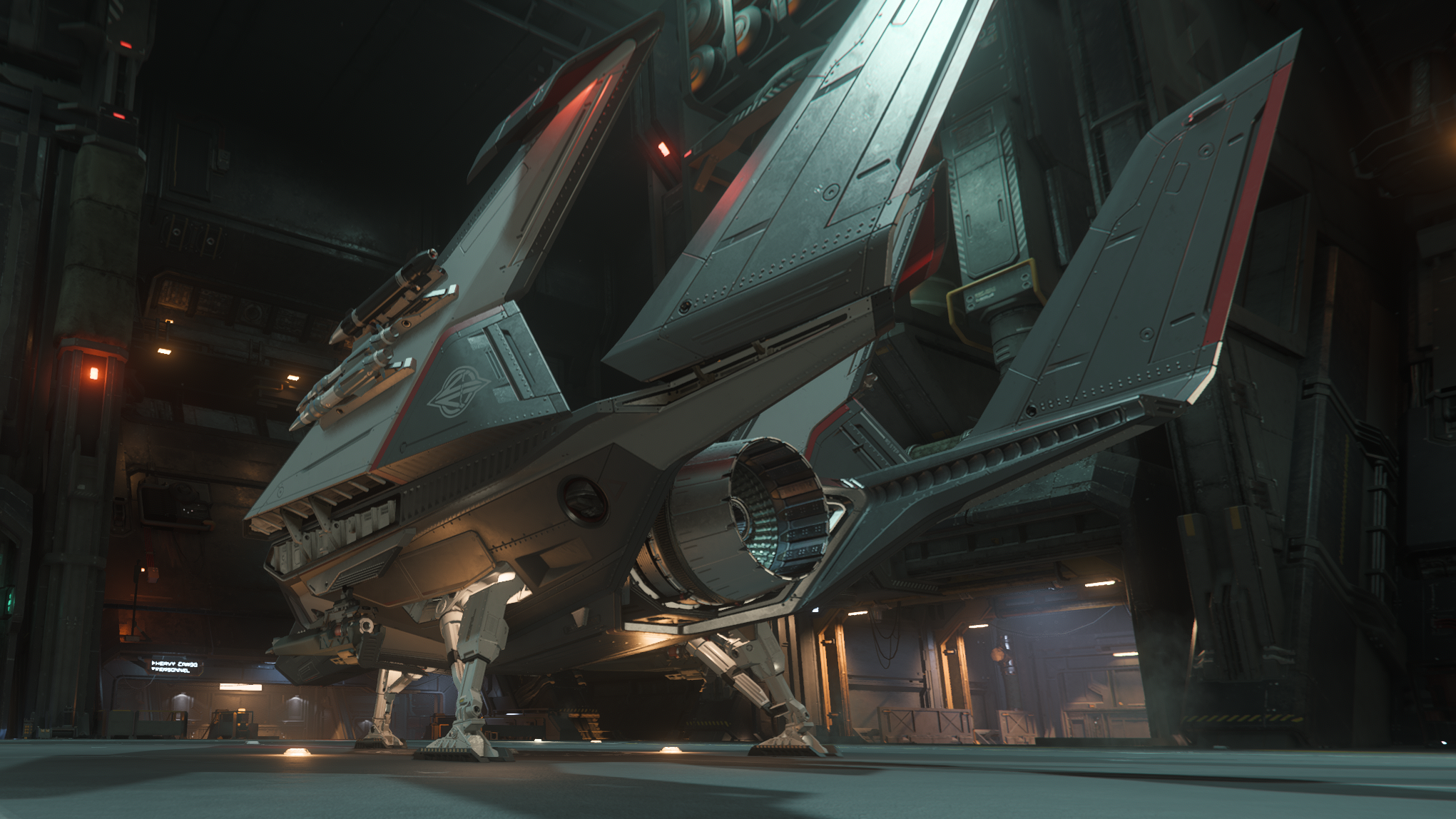
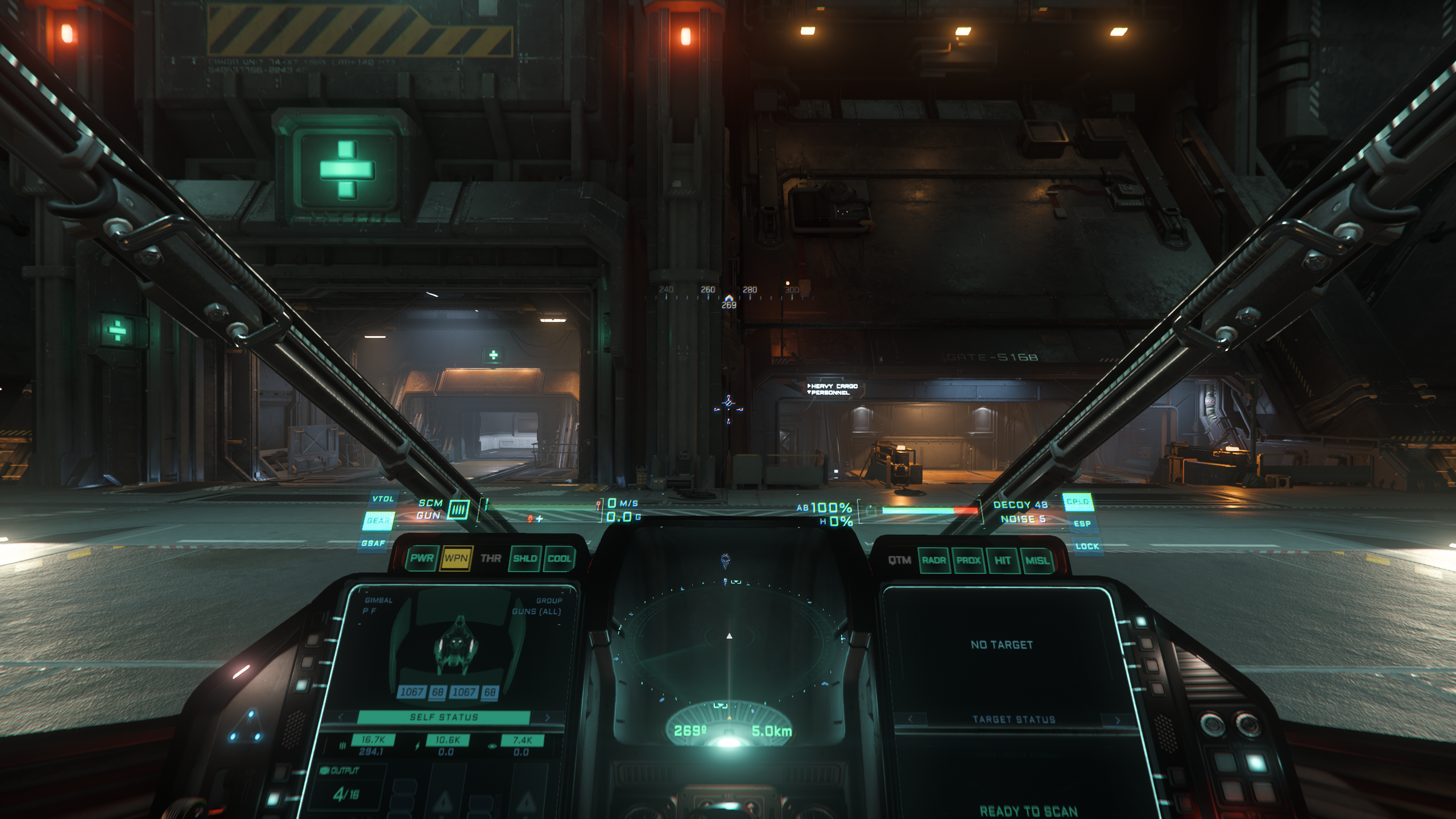
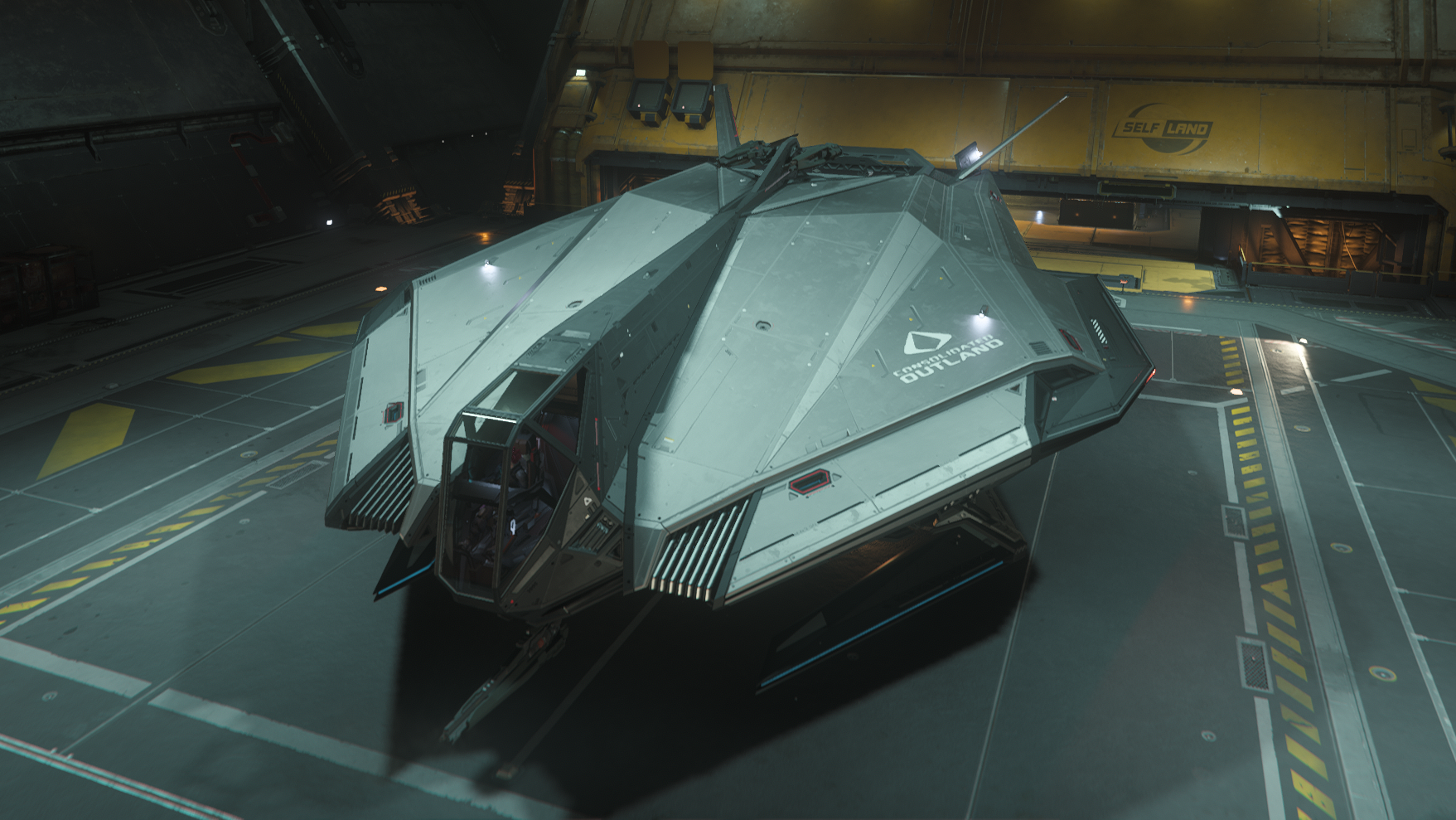
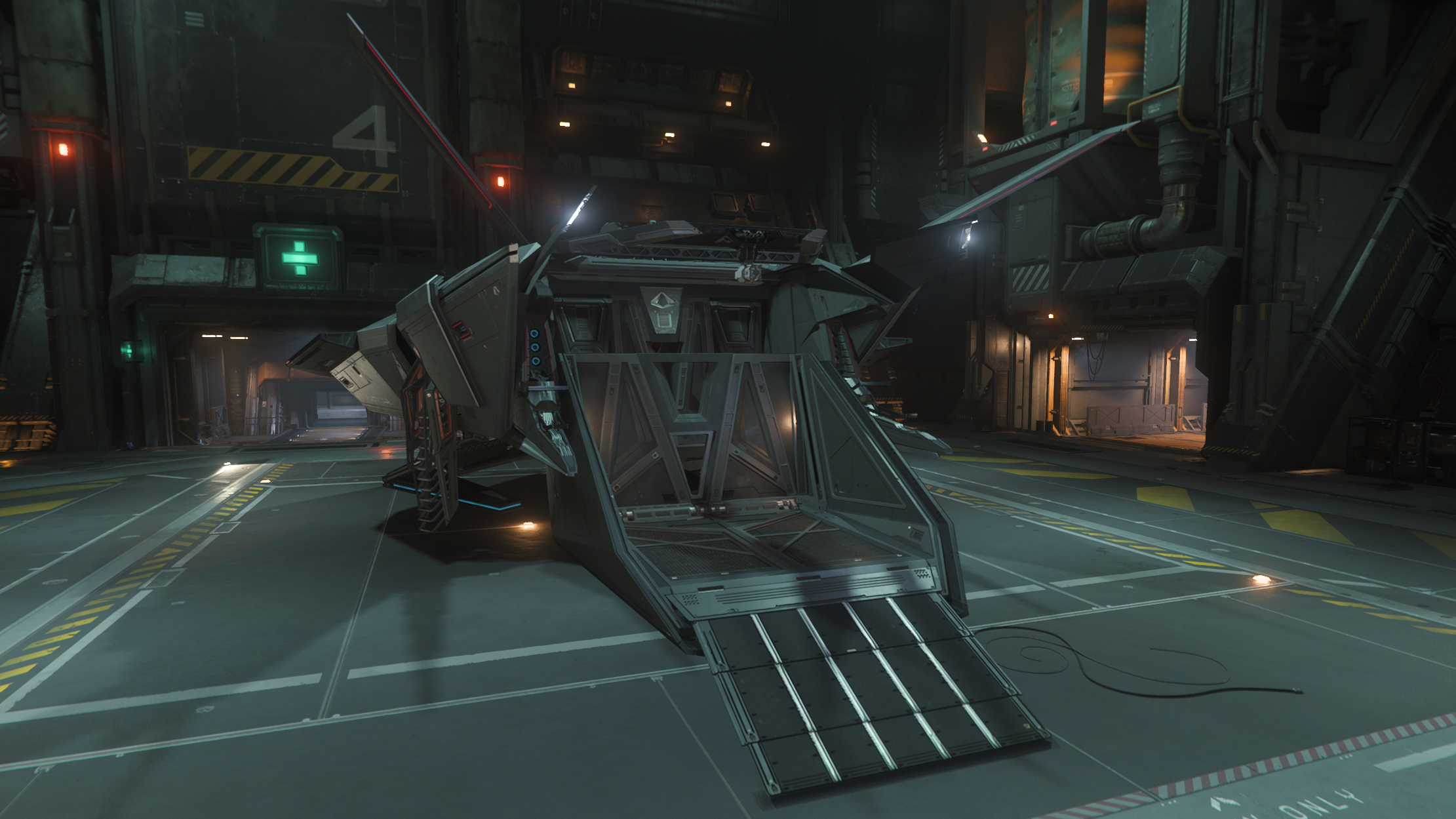
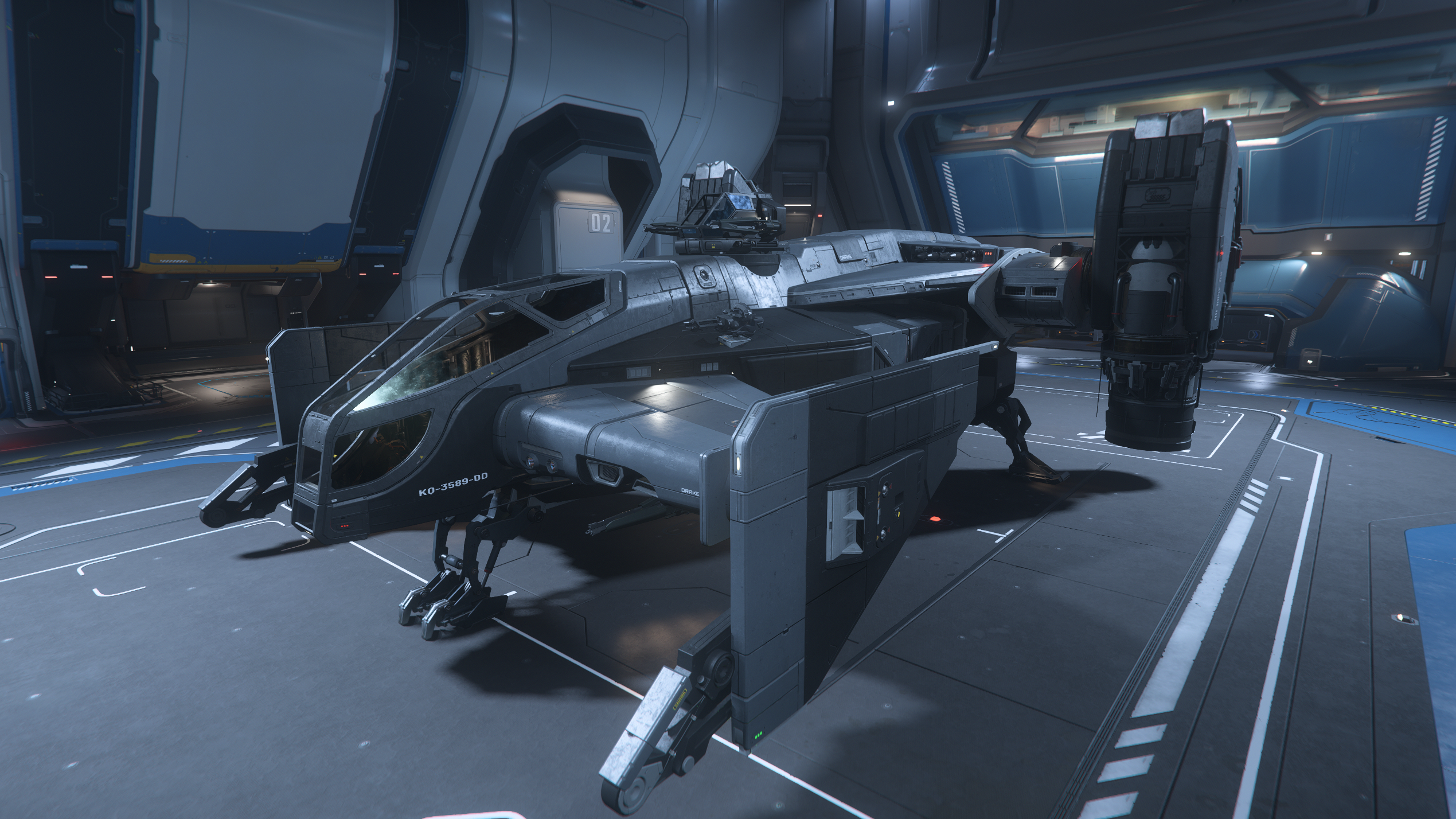
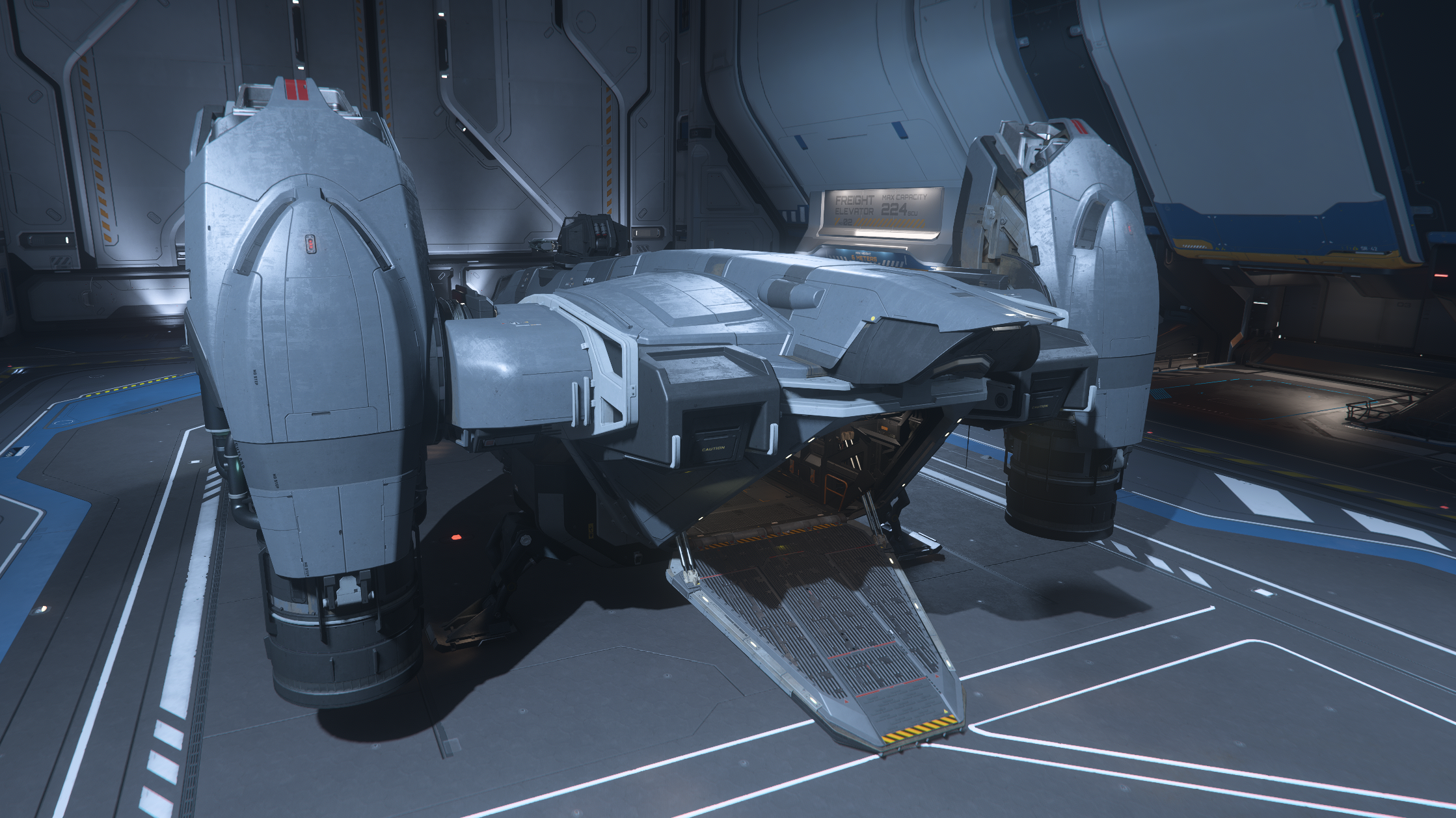
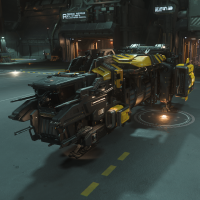
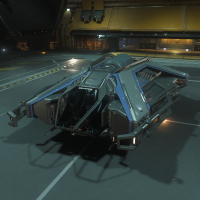
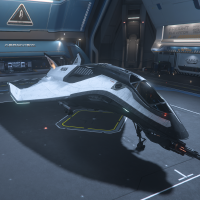
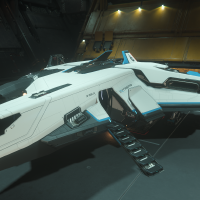
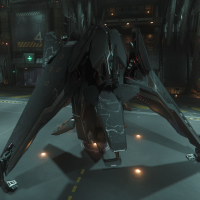
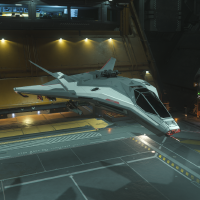
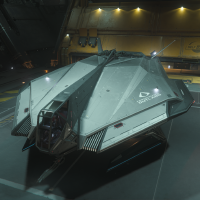
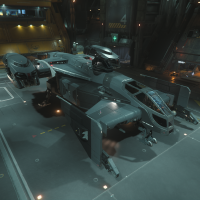
The original starter ship, the Mustang Alpha from Consolidated Outland is still a surprisingly fun little ship. With its sharp angles and down-turned wings, it feels like a modern re-imagining of the ship from Star Fox. This ship doesn’t have a walkable interior; you hop right into the cockpit. There is an external storage locker located on the ship’s starboard side that can hold 0.9 SCU of gear. The Mustang definitely feels more like a short-range fighter plane than something a long-haul spacefarer would want to live in. Along those lines, it has minimal quantum range, but that’s still plenty to get around with; it just means you’ll need to refuel a bit more often than some of the longer-range ships available. For normal flight, though, it is absolutely loaded with hydrogen fuel; enough so that this feels like an oversight CIG might correct in the future. The Mustang’s cockpit is minimalist, with 4 MFDs (2 of which are slightly out of view by default) on a floating console, and a clear canopy that gives unobstructed views above and to the side. In combat, the Mustang is respectable; it is fast and nimble and has good sustained damage output for its class. Its lack of missiles can be a bit painful, depending on the patch. (missiles periodically misbehave in Star Citizen) But for gun hardpoints, you won’t see higher sustained damage potential until you get to the premium price range. ($75 or more) There is still some misinformation out there about the Mustang’s cargo grid: it is fully physicalized. There is a cargo “pod” in the back, which you can activate to have it hinge downward. You then activate a second button to open it up, and slide boxes inside from there. It’s a bit tricky to get them in, since the pod is barely wider than the cargo boxes themselves. But the resulting storage is securely contained. For engineering, the Mustang does not yet have physicalized components, so component repair options are limited. You should buy this ship if you want to get into combat but you’re on a budget, really value getting into and out of your ship in a hurry, or want something with a small silhouette but don’t love the Pisces. The Anvil Pisces is a bit of a cult favorite. It looks and feels like a Star Trek shuttle craft; a small, lightly armed transport designed for moving yourself and a couple passengers from place to place. It’s not totally defenseless in a fight; it actually has decent firepower, and a fairly small forward cross-section. But it only packs a single size 1 shield, so it’s about as fragile as they come. The Pisces is accessed through a rear ramp, and the compact interior contains a 4 SCU cargo grid (actually 2 separate 2 SCU grids on either side of the central walkway) and 2 jump seats for passengers. (A note to passengers: you will pass out on this flight) You can cram a bit more than the rated 4 SCU of cargo in if you don’t mind it bouncing around a bit. One downside to the interior is that there are currently no weapon racks, suit lockers, or even a storage locker. The cockpit is cozy, with just enough structural support elements to make you feel safely ensconced without disrupting the view too badly. The MFD layout is nice, and there are enough to keep the diagnostics panel handy in case you need to use the auto-repair function, which is extra helpful in a ship without physicalized components. Importantly, there are no doors between the rear ramp and the cockpit. It’s a short, straight shot, which makes this ship ideal for quick getaways and rescue missions. There is no ship that has room for passengers and a faster time-to-cockpit. The Pisces also has a greater quantum range than most of the starter ships, which really cements its position as a runabout and excellent getaway car. You should buy this ship if you plan to focus mostly on FPS gameplay and want a super-convenient ship for getting into and out of various locations. Of all Star Citizen’s fictional spaceship manufacturers, Drake might be the most polarizing. Their ships lean into the gritty realism of shows like Firefly. They are industrial, utilitarian, sometimes even bordering on slapdash. The Cutter is polished by Drake standards. Sometimes nicknamed the “space van” or “space winnebago”, the Cutter is a boxy, utilitarian ship with a surprisingly cozy interior. Access to the ship is via a rear ramp that leads through a small dedicated cargo bay into the living quarters. These contain a bed, bathroom, and a storage locker with 0.9 SCU of capacity. A weapon rack (with mounts for 2 sidearms, 1 light or medium weapon, and 1 heavy weapon) is nestled into the cockpit itself. The Cutter also includes Drake’s signature 3 MFD arrangement, so it’s a bit more spare in terms of information access. The cockpit has a slapdash style that is polarizing; some people find charming, while others find it grating. The obvious point of comparison for the Cutter is the Pisces; both function well as simple runabouts, getting you around the ‘verse: maybe getting into a quick scrap, maybe hauling a small bit of cargo, but mostly just flying from place to place. The biggest internal difference is that the Cutter is significantly more spacious, with added living quarters and more overhead space. It drops the ability to carry passengers in anything like style, though you can always have someone sit on your bed and another person on your toilet. Externally, of course, the Cutter has a huge silhouette, making it much less realistic as a combat ship. To counteract that to some degree, CIG’s intention is for the cutter to have thicker-than-average armor; this means smaller weapons will not penetrate its armor as easily. For the time being, though, armor thickness hasn’t been added to the game, so pilots of the Cutter will want to avoid pitched engagements. You should buy the Cutter if you want a well-appointed, efficient space van that you can live out of (and quickly log out in), but you aren’t especially interested in spaceship combat. New this year are the industry-focused starters. The Drake Golem was the first to launch, and is an absolutely delightful entry-level mining ship. The design is clever, compact, and industrial to a fault. The ship’s components can only be accessed by removing the ore bags, but that inconvenience somehow becomes part of the charm. The Golem has no interior; every inch of space on this little thing is given over to the mining apparatus. There is an external storage compartment (0.9 SCU) on the starboard side. The animation for entering the cockpit is delightful, if a tad slow. The cockpit itself looks distinctive, with two MFDs and a radar mounted at the top of the pilot’s view. (a fairly common arrangement for industrial ships) You can take advantage of the projected MFDs, though they might occlude the mining HUD slightly. With minimal weapons and defenses, the Golem is going to be running from danger, not making a stand. Although combined with its minimal shield and hull health, even running isn’t a sure thing; once you’re in danger it’s probably already too late. Golem pilots will need to be alert for possible danger, and bug out sooner rather than later. However, the biggest flaw with the Golem is that with no cargo grid, only ore bags for unprocessed ore, the Golem runs into a big problem even when it comes to mining. The mining gameplay loop goes something like this: You can sell the raw ore for half the value of the refined goods. If your only ship is a mining ship, you’ll need to either rent a cargo ship or exclusively refine your ore at a location that also buys the refined goods. (I believe Levski is the only location where this currently applies) Because of this, we would give serious pause before choosing the Golem as a starter. It is a fantastic second ship for a prospective industrial player. But if you choose it as your first ship, you might find yourself struggling. You should buy the Miner Starter Pack as your starter ship if your space fantasy is being a down-on-your-luck independent operator struggling to make a buck, and you aren’t really interested in any of the gameplay other than mining. The newest starter added to the game, the RSI Salvation brings the other major Industrial gameplay loop, Salvage, into the starter lineup. The obvious point of comparison is the Drake Golem, and they have a lot in common. The Salvation has no interior, has bespoke salvage heads that can’t be upgraded, and is laser-focused at doing one thing: in this case, playing Star Citizen’s version of Power Wash Simulator. Without at interior, the designers of this ship decided to make use of every inch of the exterior. In addition to the standard storage compartment on the starboard side, (0.9 SCU) each side has a deployable panel that can give you access to the ship’s upper hull, where most of the ship’s components are stored behind various panels. The rear of the ship has a cargo grid, which is technically exposed but is actually nestled quite snugly into the ship. The Salvation’s cockpit view is minimalist and open, with only a couple of low beams suggesting structure. The MFDs and other console elements are either holographic or on floating panels with thin bezels. The overall effect is sleek and modern, and not as industrial feeling as you’d expect (and possibly want) from a salvage ship. One place where the Salvation adds some flexibility over the Golem is via its cargo grid. When you’re salvaging, reclaimed scrap will be loaded into standard 1 SCU cargo boxes and deposited onto this grid. However, the grid can also be used as a standard cargo grid, adding a touch of versatility to an otherwise specialized ship. Because of that, we’re not as hesitant about recommending the Salvation. It is limited in some ways, but no more so than, say, the Mustang; it trades space combat potential for a unique gameplay loop, but it’s still a pretty capable runabout, with the ability to store ample loot from ground missions. You should buy the Salvager Starter Pack if you’re intrigued by salvage gameplay and are not interested in spaceship combat. Ah, the space penguin. The Aegis Avenger Titan is a classic pick for the “best” starter. (at least, the best starter under $100) And indeed, it’s extremely capable in a lot of ways; in terms of pure gameplay effectiveness, you almost can’t go wrong picking this ship as your starter. The Titan offers 2 entrypoints into the ship: a direct-to-cockpit entry as well as a rear cargo ramp. Coming in through the ramp you get an 8 SCU cargo bay, which can in theory hold 4 SCU boxes, but in practice the narrow clearance makes that more trouble than its worth. Through a door at the fore of the cargo bay you’ll find a small bedroom; this currently contains only a bed, with no other amenities. Through another door and you come to the rear entrance to the cockpit. The cockpit has a rounded console that feels reminiscent of real-world fighter jets, with a fully unobstructed view above and to the side. There are two MFDs hiding slightly below your default eye level; you have to use freelook to see them, so they’re better for displaying auxiliary information you don’t need in the heat of battle, such as the component diagnostics screen. The Titan earns the name “duelist” quite well, as this is the first ship on the list to really excel in spaceship combat. With a size 4 gun and 2 size 3s, it can pack a punch even against reasonably robust targets. And with a second size 1 shield on board, it has significantly more survivability than most of the starter options. If you want to get into dogfighting, this is a great option. But it’s also a capable hauler, matching the Intrepid, which is described as the “Hauler” starter, for cargo capacity. Like the Pisces, the Titan does not yet have physicalized components, meaning you can’t repair damaged components on the fly. It also doesn’t have physicalized buttons for the cargo ramp, and in general just doesn’t have a lot of the polish and quality of life improvements of a lot of the more recent starters, such as a weapon rack or even an internal storage compartment. You should buy the Duelist Starter Pack if you want a capable all-rounder and don’t mind a lack of polish. If you’re willing to spend $75 on the game, this is the “meta” starter, and for good reason. The Crusader Intrepid has a somewhat minimalist exterior, with large sections of fairly smooth, unbroken plating. This was somewhat polarizing on launch, with some players feeling like it lacked detail and had some awkward geometry, while others loved the sleek look. Access to the interior comes from an extending staircase on the port side of the ship. Upon entering you’re greeted with a small hallway. To the left is cockpit access. To the right is a combination engineering and cargo bay (complete with an engineering console) and across the hall are ample living quarters that include a bed, bathroom, small kitchen/dining area, a weapon rack (supporting 2 light weapons, 1 medium or heavy weapon, and 3 sidearms) and a suit locker. There’s also a 1.5 SCU storage locker above the bed. For a starter, it feels downright luxurious. The intrepid is billed as the “Hauler” starter pack, which at first seems odd, because technically the Titan matches it in cargo capacity. However, it shines as a hauler for a couple key reasons. First is the ship’s range. The Intrepid boasts a massive amount of Hydrogen fuel; even after the future atmospheric flight changes, this ship will be able to hover above a city while it waits for a landing pad without sweating. And its quantum fuel tank is the largest among all of the starters, outpacing even the Cutlass. Second, the cargo bay (or rather, bays) have some interesting advantages as well. The Intrepid has 2 drop-down cargo lifts, each holding 4 SCU. These slide into internal recesses which are not only secure from outside the ship, but from inside the ship as well; the rear room of the Intrepid allows access to the cargo, but they are protected behind internal panels. How useful this is in practice is debatable, but it certainly feels cool. The overhead clearance when loading cargo is a little low, but with good positioning this ship can be loaded and underway quite quickly. In combat, the Intrepid isn’t helpless, but you probably don’t want to end up in a pitched battle either. Its single size 4 gun can do some solid damage, but with only one shield generator and a non-trivial silhouette, the Intrepid will need to finish the fight fast or get out. You should buy the Hauler Starter Pack if your primary interest is in hauling cargo and you either don’t want to shell out the extra $15 for the Nomad, or want a ship that’s a little more polished than either the Nomad or Titan in terms of more recent features like engineering and weapon storage. Everything about the Gatac Syulen’s design is gorgeous; the radial symmetry, the stonework-like paneling on both the interior and exterior, the cockpit that feels like an alien cathedral, the way the weapon rack opens up from the wall. In flight, the thrusters sound like they are singing to the pilot. It is a glorious ship. But it’s a terrible starter. The Syulen is an alien (Xi’an) ship that has been modified by the manufacturer for human pilots. Many of the controls and labels around the ship are in the Xi’an language, which was constructed in detail for the Star Citizen universe. It features a vertically oriented design, and takes off and lands with the pilot facing upward instead of forward. This can be a challenge for new players who haven’t played space flight games before, and is counter-intuitive even for most veteran players. Landing in particular is tricky, because you must point the ship’s nose toward the ceiling or sky, and then descend to the ground. The “look behind” keybind is pretty crucial for flying this ship. Access to the Syulen’s interior comes via a grav-lev staircase that extends from one side of the hull. A lift is the only access between the ship’s 3 levels. The first level holds the weapon rack (2 mounts for light or medium weapons, 2 sidearm mounts, and 2 sidearm-sized mounts that seem to only accept multi-tools) and a suit locker. The middle level is living quarters, containing bed, bath, and a small desk that extends from the wall. The bed, in particular, is enchanting, being recessed into a nook with stonework elements overhead, to give the feeling of lying in a cozy cave. Under the bed is a storage locker that holds 0.65 SCU. The upper level holds the cockpit, with a pilot seat that spins around to face the ceiling and then slides into position quite dramatically. The cockpit console is distinctive, with transparent holo-displays for the MFDs and non-human labels on several of the controls; you’ll definitely want good keybinds for the Syulen instead of trying to f-interact with its console. The Syulen has 3 externally-mounted cargo pods, each of which can hold 2 1 SCU boxes. This makes it the only starter (other than the Arrow) that cannot hold a 2 SCU box. In combat, the Syulen has a very respectable loadout on paper; however, its alien shape becomes a major liability here, as from almost any angle it presents a wide, easy target for incoming fire. It does well against ships that it has outgunned, but against anything larger you’ll quickly be in trouble. The two shield generators help, but you’re still such a large target that those shields can vanish quickly. It does have a large array of missiles, but those unfortunately aren’t always reliable due to bugs. To add insult to injury, the Syulen currently suffers from a bug that makes several of the ship’s buttons very hard to press. This includes the button that opens up the weapon rack, the buttons for the ship’s components, and most importantly, the button that opens the door to exit the ship. Trying to get just the right angle so you can get out of your ship gets frustrating very quickly. You should not buy the Outsider Starter Pack. However, if the lure of its aesthetic proves too powerful, it is passable at both combat and light hauling, while not really being great at either one. The Anvil Arrow is a fighter, through and through. It is one of the most maneuverable ships in the game, and in the hands of a skilled pilot is nearly untouchable. It can take down ships that have it massively outgunned on paper. However, in the hands of a new player… it can’t really do any of that. It’s very fast and very maneuverable, with a tiny silhouette and a solid weapons loadout. But for the inexperienced pilot, those things aren’t enough. It has a fairly high skill floor to be effective. With no interior, access is direct to cockpit. There is a 0.43 SCU storage locker on this ship, but it’s only accessible by holding down the interaction key to bring up the Interaction Wheel when you see the “Enter Pilot Seat” prompt. The cockpit console has very classic Wing Commander vibes, and is very clean and easy to visually parse. There’s not a ton else to say about the Arrow; mostly, we feel like it doesn’t really belong on the Game Packages page. You should buy the Advanced Duelist Starter Pack if you have a ton of experience with space combat games and are only coming to Star Citizen for dogfighting. However, for 99% of players, if you’re considering the Arrow, you should buy the Titan instead. The Consolidated Outland Nomad is often described as a space pickup truck. But even aside from its distinctive cargo grid, it has a lot to offer. With distinctive angular design and mag-lev landing gear, it looks half alien in the best way. Access to the Nomad’s interior comes from a port-side grav-lev ladder, which leads into a rear room that has what is presumably a suit locker, a bathroom, and a little window you can peek out from to see your cargo (as well as a button to lower and raise the bed). Through the first door and you have living quarters with a bed and a dining area, as well as an under-bed storage locker that holds 1.2 SCU. A door at the fore of this room leads to the cockpit. In the cockpit, the Nomad’s console has a very flat look, reminiscent of Star Trek’s touchscreen controls. The MFD arrangement here is very nice; a lot of 3- and 4-MFD ships require you to freelook around a bit to see some of the displays, but the Nomad shrinks them a bit and lines them up for a very utilitarian effect. The Nomad has an external cargo bed that can drop down, and is equipped with a ship-mounted tractor beam for moving cargo. With a 24 SCU grid, it is a considerable jump up in terms of hauling potential. In combat, the Nomad has a fairly large silhouette but somewhat compensates with three size 1 shield generators. It has respectable firepower, and can stay in a fight a lot longer than most hauling-focused ships. The Nomad does not have physicalized components, although the access panels for them are in place and functional. You should buy the Advanced Hauler Starter Pack if you plan to focus on hauling, or if you just want a premium starter ship that’s fairly capable all around. Last but certainly not least, the Drake Cutlass Black is an iconic all-rounder, and the only starter ship that has a functional role for a second player. With large rotating VTOL thrusters and an imposing design, the Cutlass feels like a combat ship, but also sports a large cargo bay. At $125, it’s a premium starter to be sure. But if you’ve enjoyed Star Citizen’s free fly events and don’t mind paying Collector’s Edition prices, you get a lot of bang for that buck. There are three ways to access the interior of the Cutlass: through the rear cargo ramp or via two sliding panel side doors that provide access to the front of the cargo bay. A door on the port side of the ship leads to the Cutlass’ front room, which holds all of the ship’s amenities, as well as the cockpit. In here you’ll find bunk beds for two crew, a weapon rack that fits 4 light or medium weapons, an engineering terminal, and access to the manned turret. There are also 2 storage lockers that each hold 1.5 SCU of gear. Entering the pilot’s seat causes it to rise up into the cockpit canopy, giving the pilot a nice elevated view. The Cutlass also features a co-pilot’s seat behind the pilot. The co-pilot controls the ship-mounted tractor beam, and can also micro-manage power systems during flight and combat. The rear of the cargo bay also offers 6 fold-down jump seats, so if you have a bunch of friends who want to storm a location, the Drake can double as a dropship. The interior of this ship feels cavernous compared to every other starter. There’s enough room in the cargo bay for quite a few ground vehicles, including the ROC if you want to try out vehicle-based mining gameplay. With 46 SCU of cargo, the Cutlass is obviously the top of the pack when it comes to hauling. It also comes with a tractor beam (mounted on the ceiling inside the cargo bay, at the very rear) for quick loading and unloading from the co-pilot’s seat. (One disadvantage compared to the Nomad, which controls the tractor beam directly from the pilot’s seat with no need for additional crew or seat-swapping) The cargo ingress is slightly narrow at the back, but this doesn’t pose a major impediment; vertical clearance is more often the problem when dealing with cargo, and the Cutlass really shines there. You can also load and unload via the side doors, though not as effectively. In combat, the Cutlass comes loaded for bear. It boasts 4 size 3 guns, plus two more size 3s in the turret that can cover your rear. It also has an absolute ton of missiles. It’s a larger ship than the other starters, which does mean it presents a bigger target. In addition, the engine nacelles are juicy targets and can be blown off, causing some issues. The Cutlass makes up for this with a size 2 shield generator. Still, it’s best to hit hard and fast with this ship. It also has really good maneuverability for its size; it’s a step down from the smaller ships, but still turns very responsively. Notably (given the engineering console) the Cutlass Black does not have physicalized components. This limits your repair options, but the presence of an engineering console means adding those components is probably on CIG’s priority list. You should buy the Privateer Starter Pack if money is no object and you want a bit of a jump-start into the game. It’s an fantastic all-rounder with relatively few drawbacks, and it is especially useful if you’re playing with a friend or two (or 8!) who aren’t really interested in flying. Just be aware that you’re jumping ahead in the game’s progression; consider whether you might find it more fun to work your way up to this ship within the game instead. (It can be purchased in-game for about 2 million credits. For a casual but semi-regular player this might take a month or two to build up; for a dedicated grinder, probably a week.)
Price
$45
Cargo: Capacity
4 SCU
Cargo: Largest Box
2 SCU
Gun Hardpoints
2x Size 2
Missile Hardpoints
n/a
Hydrogen Fuel
6 M
Quantum Fuel
1.1 M
MFDs
4
Price
$60
Cargo: Capacity
4 SCU
Cargo: Largest Box
2 SCU
Gun Hardpoints
4x Size 1
Missile Hardpoints
2x Size 1
Hydrogen Fuel
3.2 M
Quantum Fuel
1.8 M
MFDs
4
Price
$60
Cargo: Capacity
4 SCU
Cargo: Largest Box
2 SCU
Gun Hardpoints
2x Size 2
Missile Hardpoints
2x Size 2
Hydrogen Fuel
12 M
Quantum Fuel
1.1 M
MFDs
3
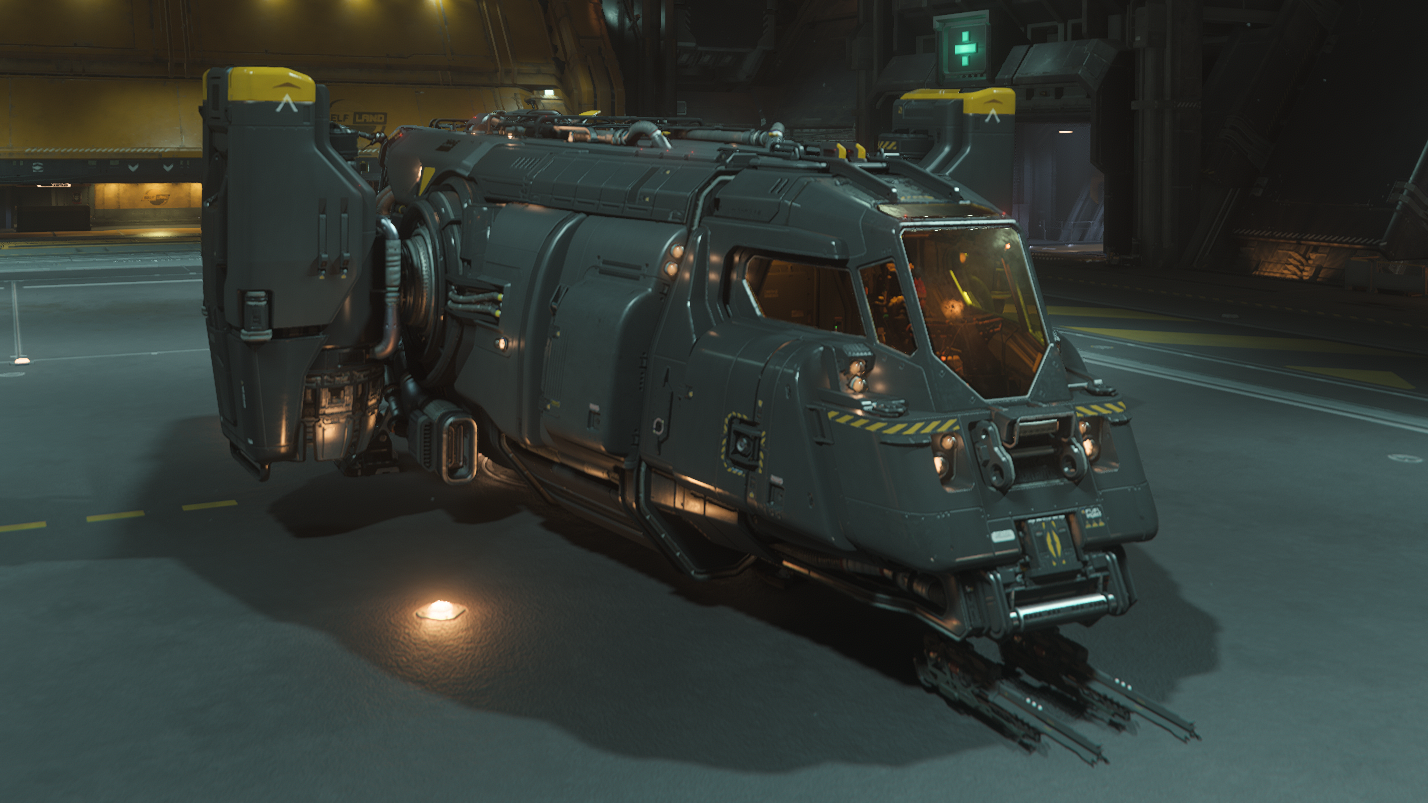
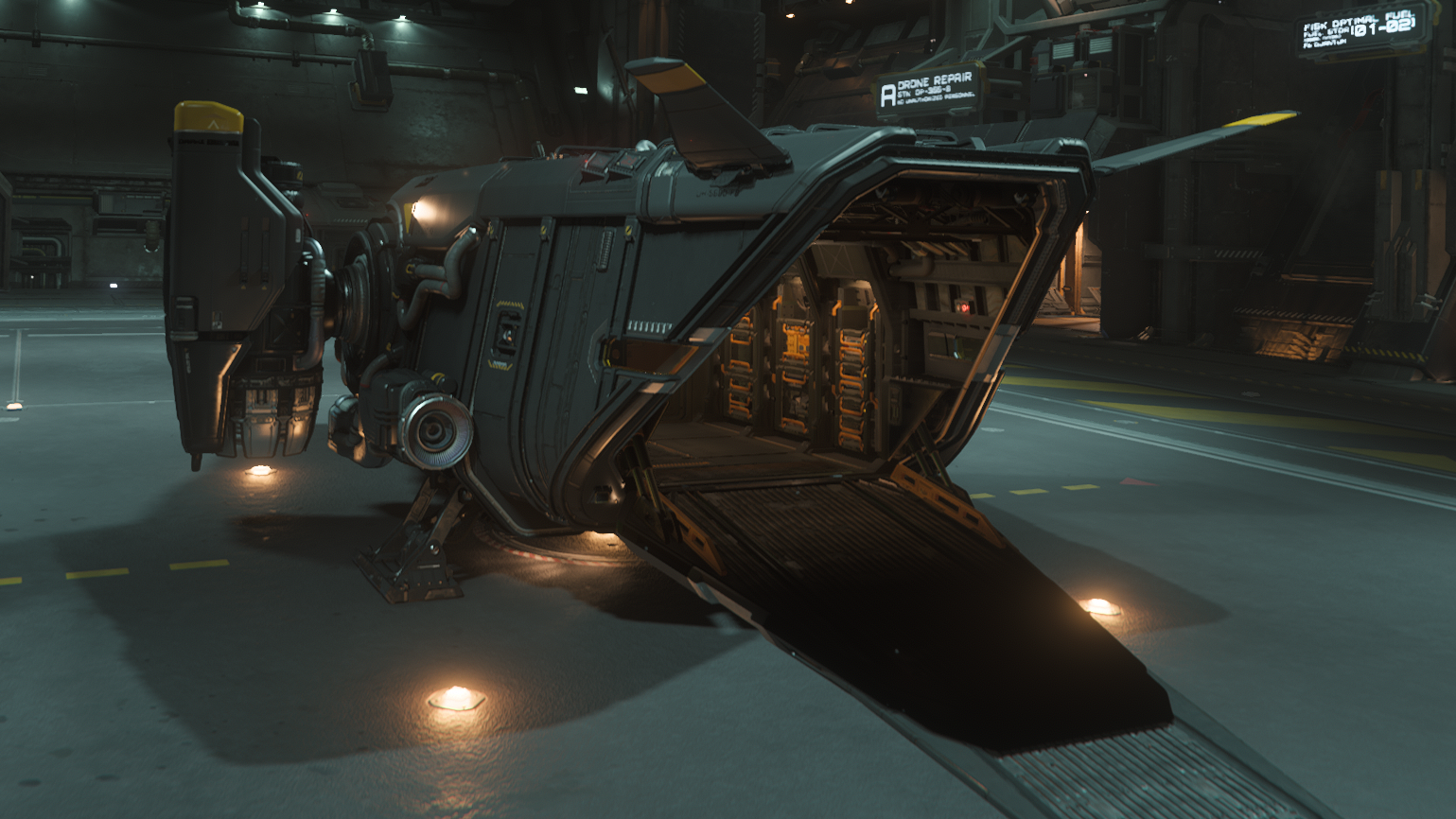
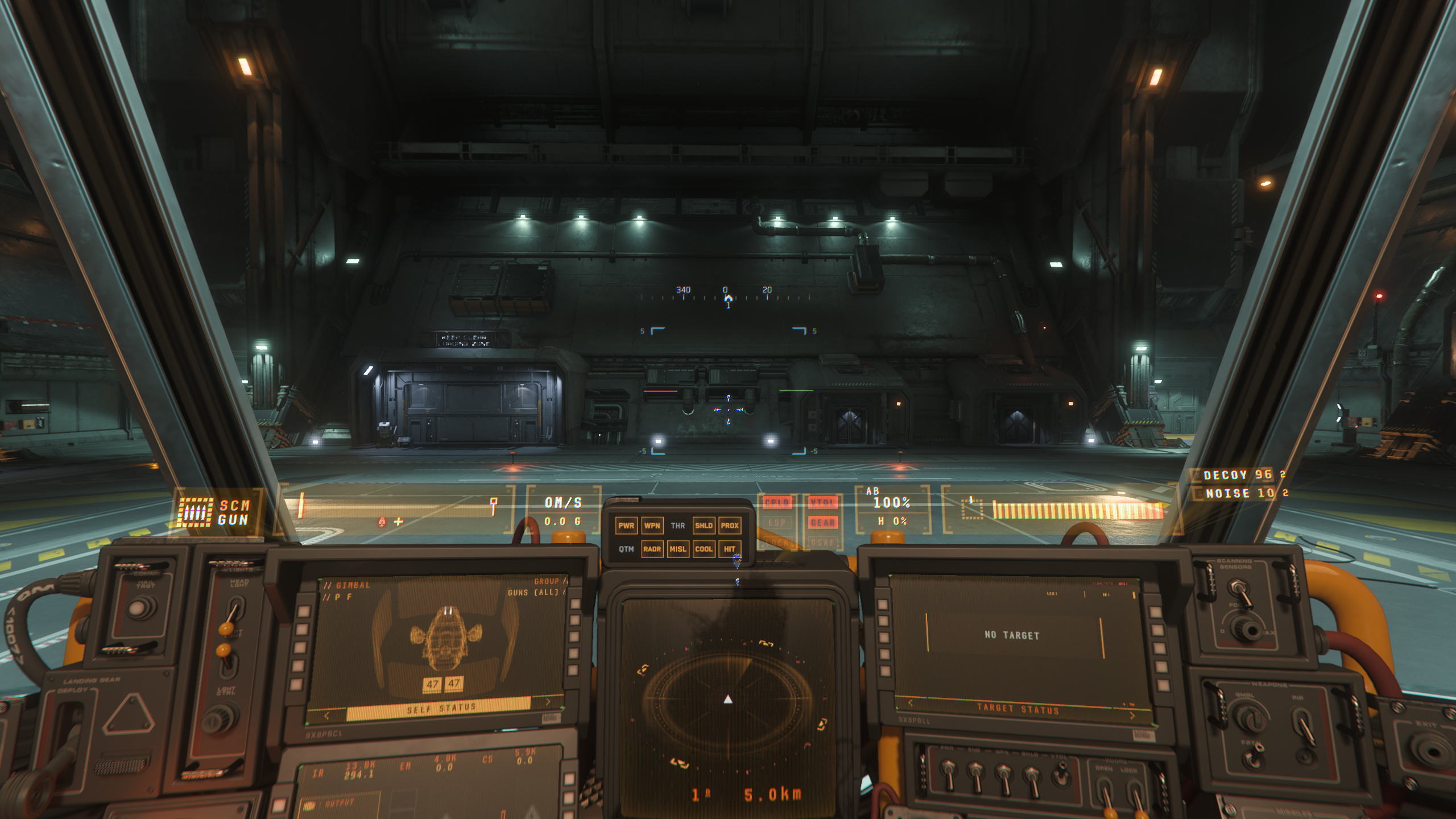
Price
$75
Cargo: Capacity
0 SCU cargo
32 SCU ore
Cargo: Largest Box
n/a
Gun Hardpoints
2x Size 1
Missile Hardpoints
2x Size 1
Hydrogen Fuel
Quantum Fuel
MFDs
2
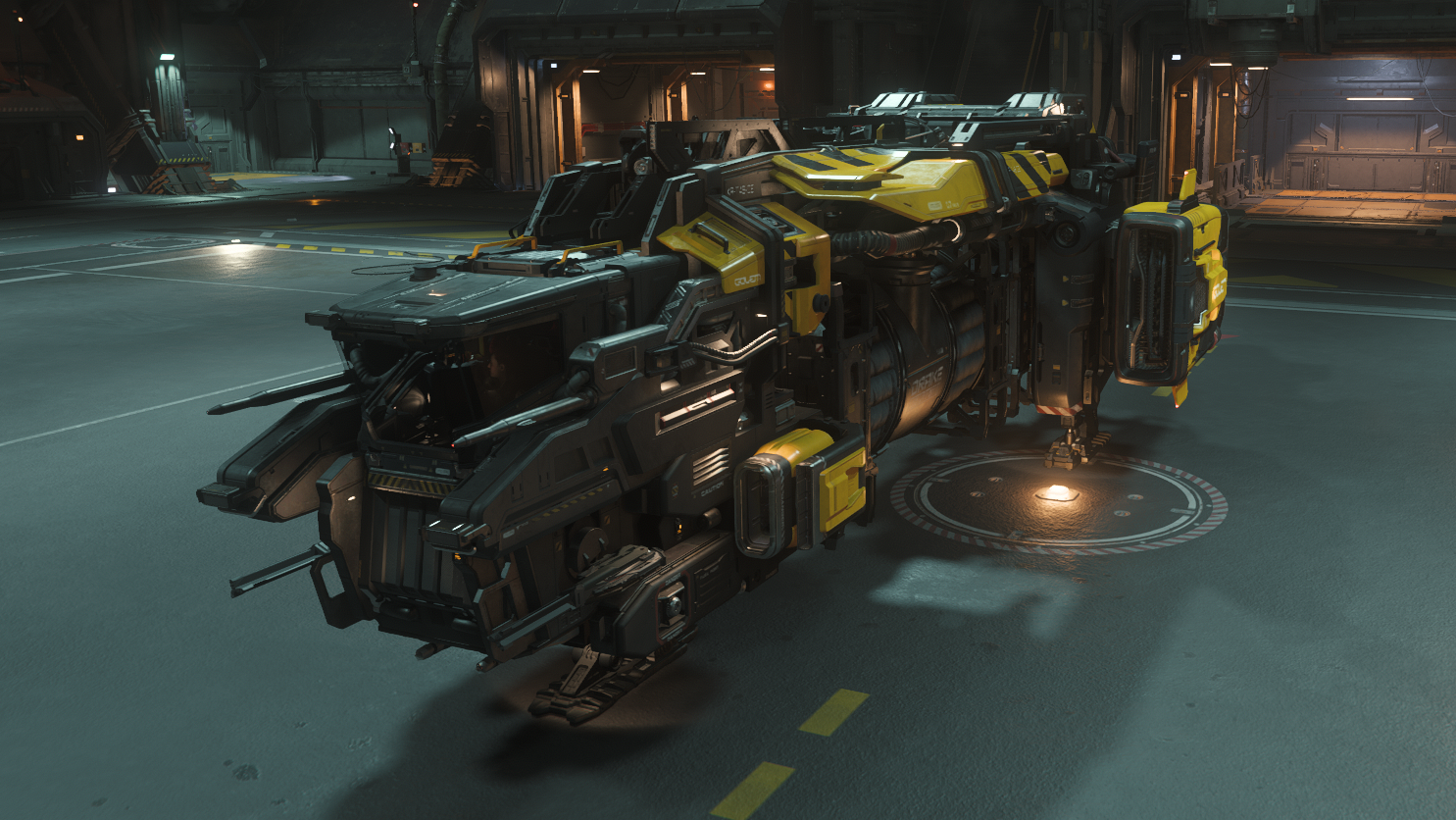
Price
$75
Cargo: Capacity
6 SCU cargo
6 SCU scrap buffer
Cargo: Largest Box
4 SCU
Gun Hardpoints
2x Size 1
Missile Hardpoints
n/a
Hydrogen Fuel
25 M
Quantum Fuel
1 M
MFDs
2
Price
$75
Cargo: Capacity
8 SCU
Cargo: Largest Box
2 SCU
Gun Hardpoints
1x Size 4
2x Size 3
Missile Hardpoints
2x Size 3
Hydrogen Fuel
9 M
Quantum Fuel
1.1 M
MFDs
3
Price
$80
Cargo: Capacity
8 SCU
Cargo: Largest Box
2 SCU
Gun Hardpoints
1x Size 4
Missile Hardpoints
2x Size 1
Hydrogen Fuel
26 M
Quantum Fuel
2 M
MFDs
2
Price
$85
Cargo: Capacity
6 SCU
Cargo: Largest Box
1 SCU
Gun Hardpoints
3x Size 3
Missile Hardpoints
3x Size 4
Hydrogen Fuel
40 M
Quantum Fuel
1.1 M
MFDs
2
Price
$90
Cargo: Capacity
0 SCU
Cargo: Largest Box
n/a
Gun Hardpoints
2x Size 3
2x Size 1
Missile Hardpoints
2x Size 3
2x Size 2
Hydrogen Fuel
7.5 M
Quantum Fuel
1.1 M
MFDs
4
Price
$95
Cargo: Capacity
24 SCU
Cargo: Largest Box
16 SCU
Gun Hardpoints
3x Size 3
Missile Hardpoints
2x Size 4
Hydrogen Fuel
32 M
Quantum Fuel
1.3 M
MFDs
4
Price
$125
Cargo: Capacity
46 SCU
Cargo: Largest Box
16 SCU
Gun Hardpoints
4x Size 3
2x Size 3 (Manned Turret)
Missile Hardpoints
6x Size 4
Hydrogen Fuel
36 M
Quantum Fuel
1.8 M
MFDs
3
-
Quantum Travel is Star Citizen’s in-system faster-than-light travel mechanic, using what is essentially a classic sci fi Alcubierre Drive. Travel between systems is done by flying through wormholes at “Jump Gates”. We highly recommend checking out the jump gates as soon as you can. ↩︎
-
Currently, if your ship is destroyed and you make an insurance “claim” to get a new ship, any weapons and other equipment that was stored in the ship is lost. By contrast, you keep any weapons and armor you have equipped on your person when you die. (although items in backpacks or other inventory slots are not kept) So weapon racks in particular are a “use at your own risk” feature. We recommend only storing common, easily-replaceable gear in them. ↩︎
-
These categories are extrapolated from the weapon sizes on the Star Citizen Wiki, combined with extensive testing of each weapon rack. We aren’t certain where the weapon size data on the wiki originates, but we assume it was collected with data mining. We have also condensed size 2 (SMGs and most rifles) and 3 (sniper rifles, shotguns, and a few others) weapons into a single “light weapons” category; this is because in our testing we couldn’t find any weapon racks that accepted some but not all of these weapons; weapon racks, at least, seem to treat them as a single category. We were not able to test every weapon or every weapon rack in the game, however, so it is possible there are mounts out there that accept one but not the other. For the starter ships, though, these categories appear to be consistent. ↩︎
-
When you are buying or selling commodity cargo, you can optionally have it loaded or unloaded for you, for a fee. There’s a timer associated with this paid cargo unloading, during which your ship will be unusable. You can also load cargo “automatically” when that cargo is refined material you are picking up from your own refinery job. However, when doing contracted cargo missions, or when you acquire cargo as loot after combat, or when unloading salvaged material, your only option is to unload the cargo by hand, so the shape of your cargo hold will always matter. ↩︎